
Description
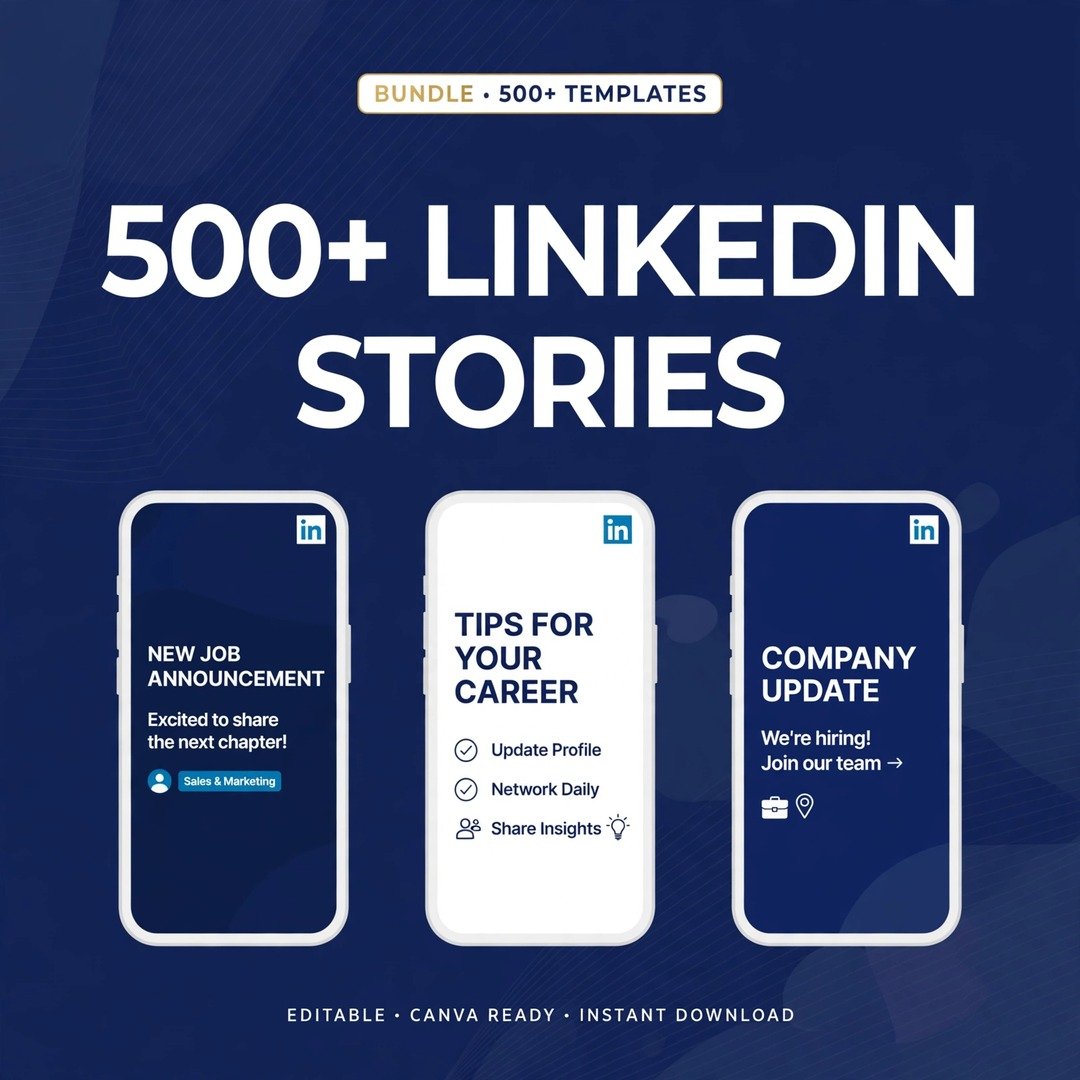
LinkedIn story templates help you share professional updates in a clean, consistent style. This bundle includes 500+ LinkedIn story templates with career stories, tips, announcements and personal brand templates. You can edit each design in Canva and post it in minutes.
What Is Included in the LinkedIn Story Templates Bundle
The bundle contains 500+ LinkedIn story templates. The product page lists career stories, tips, announcements and personal brand templates in a clean professional style. Each template is edited in Canva, so you can adjust the wording, images and colours to suit your profile.
How to Use LinkedIn Story Templates
Creating a professional story from a template follows a clear order:
- Choose a template that suits your purpose, such as a career update or a tip.
- Write a clear headline, and keep the body text to a few short lines.
- Add your name, role or company name in the same place each time.
- Check the design on a phone and on a computer.
- Post the story, then reply to comments so the update starts a conversation.
Who Should Buy This Bundle
These LinkedIn story templates are made for professionals, job seekers, business owners and anyone who wants a stronger presence on the platform. They suit people who share regular updates, and teams that need a consistent look across several accounts.
Sharing Career Updates With Confidence
Career stories work best when they are honest and specific. Share a project you completed, a skill you are learning or a milestone you reached. Keep the tone friendly and professional, and avoid sharing confidential details about an employer or client. A short, clear update often reads better than a long announcement.
Building a Personal Brand Over Time
A personal brand grows through regular, useful posts. Pick two or three themes, such as a skill, an industry insight or a lesson learned, and present them in the same style. Over time, your stories will build a recognisable voice that matches your profile and your work.
Tips for a Clean Professional Look
Use one or two colours and one font across your stories, so the design feels calm and consistent. Keep the layout simple, with plenty of space around the headline. Check that any photo is clear and well framed. Save your brand colours, so each new story matches the last one.
Common Mistakes to Avoid
A common mistake is leaving sample text in the template. Another is using a design that is too busy for a professional audience. Avoid long paragraphs, because a story should be quick to read. Finally, check your name, job title and company name carefully before posting.
Quick Checklist Before You Post
- Replace all sample text with your own wording.
- Check your name, role and company name.
- Preview the story on a phone and a computer.
- Confirm that no confidential details are shown.
Frequently Asked Questions
Can I edit these LinkedIn templates in Canva?
Yes. The product page says you can edit each template in Canva and post it in minutes.
Are the templates only for senior professionals?
No. The product page describes them for professionals and businesses, so they suit a wide range of career stages.
Can I use the templates for client work?
Check the licence terms that come with your download before you use the templates for client work or resale.
Keeping Your Stories Current
Professional profiles change as your career moves forward, so review your stories every few months. Update the role, company name and any dates that appear in the templates, and retire stories that describe work you no longer do. Keep a simple folder of the designs you have used, so you can see which topics and styles your audience responded to. A current set of stories shows visitors that your profile is active and up to date.
Explore More Digital Products
Browse more business bundles in the MN5 DIGITAL shop, or see all products from this seller on the RizStore page. For design basics and Canva tips, visit Canva’s website.








Reviews
There are no reviews yet.