
Description
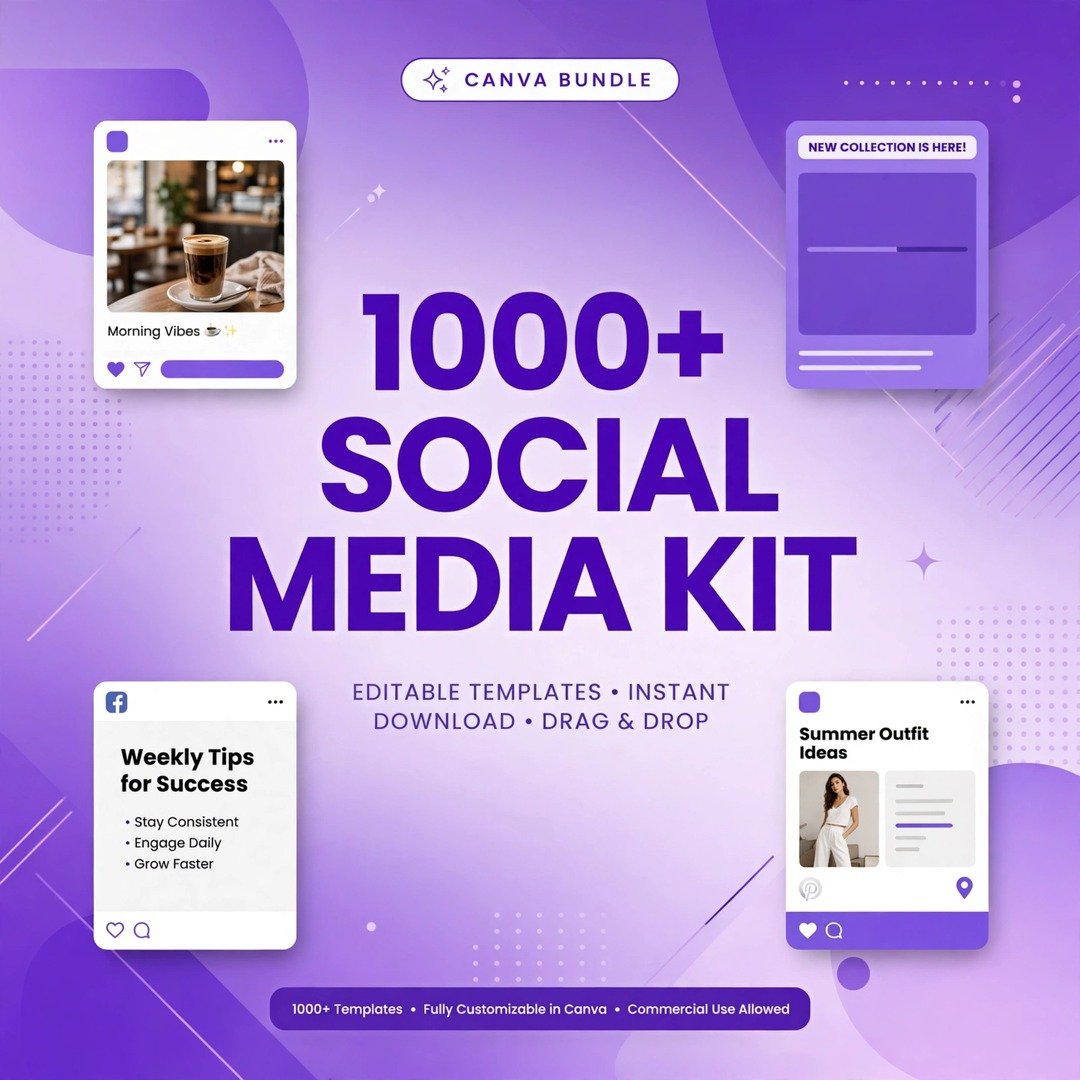
A Canva social media kit helps you create a consistent look across every platform. This bundle includes 1000+ Canva social media kit templates for Instagram posts, stories, reels covers, Facebook posts and Pinterest pins, all editable in Canva.
What Is Included in the Canva Social Media Kit Bundle
The bundle contains 1000+ Canva social media kit templates. The product page lists Instagram posts, stories, reels covers, Facebook posts and Pinterest pins. All of the designs are editable in Canva, so you can change the text, photos and colours and then download each design for the platform where you will post it.
How to Use the Canva Social Media Kit
Creating a set of posts from the kit follows a simple order:
- Open the template you need in Canva.
- Replace the sample text and photos with your own content.
- Adjust the colours and fonts so they match your brand.
- Download the design in the format and size for each platform.
- Schedule or post the design, then keep the same look for the next one.
Who Should Buy This Bundle
This kit is made for creators and businesses that want a complete social media look without designing every post from scratch. It suits anyone who posts on several platforms and wants their feed, stories, reels and pins to feel connected.
Keeping One Look Across Platforms
A consistent look helps people recognise your brand wherever they find it. Choose one main colour palette and two fonts, then use them across posts, stories, reels covers and pins. Adapt the layout to each platform rather than copying it exactly, because each format has a different shape. Keep your logo in the same place in every design, so it becomes a familiar sign of your account.
Tips for Consistent Designs
Create a small set of master designs, such as a quote, a tip and a promotion, and reuse them with new text. Keep text large enough to read on a phone. Save your brand colours and fonts in Canva, so you can apply them quickly. Review your designs once a month, and remove any that look outdated.
Common Mistakes to Avoid
A common mistake is leaving sample text or photos in the design. Another is using too many fonts or colours, which makes the feed look busy. Avoid copying one layout for every platform, since sizes and crops differ. Finally, check each download before you post, because a design that looks right in the editor can look different once it is published.
Quick Checklist Before You Post
- Check that all sample text and photos have been replaced.
- Confirm the design size matches the platform.
- Make sure the colours and fonts match your brand.
- Preview the design on a phone before you publish.
Frequently Asked Questions
Do I need Canva to use this kit?
Yes. The designs are editable in Canva, so you need a Canva account to open and change them.
Which platforms are covered?
The product page lists Instagram posts, stories, reels covers, Facebook posts and Pinterest pins.
Can I use the designs for client work?
Check the licence terms that come with your download before you use the designs for client work or resale.
Building a Brand Kit in Canva
If your Canva account has the brand kit feature, you can save your colors and fonts there, so each new design starts with the right look. Add your logo and main colors, then use them across every template in the kit. Duplicate a finished design when you need a new post, rather than starting from a blank page. Keep a folder for each platform, so you can find the right size and layout quickly when it is time to post.
Explore More Digital Products
Browse more social media bundles in the MN5 DIGITAL shop, or see all products from this seller on the RizStore page. To learn more about Pinterest for business, visit Pinterest Business.








Reviews
There are no reviews yet.