
Description
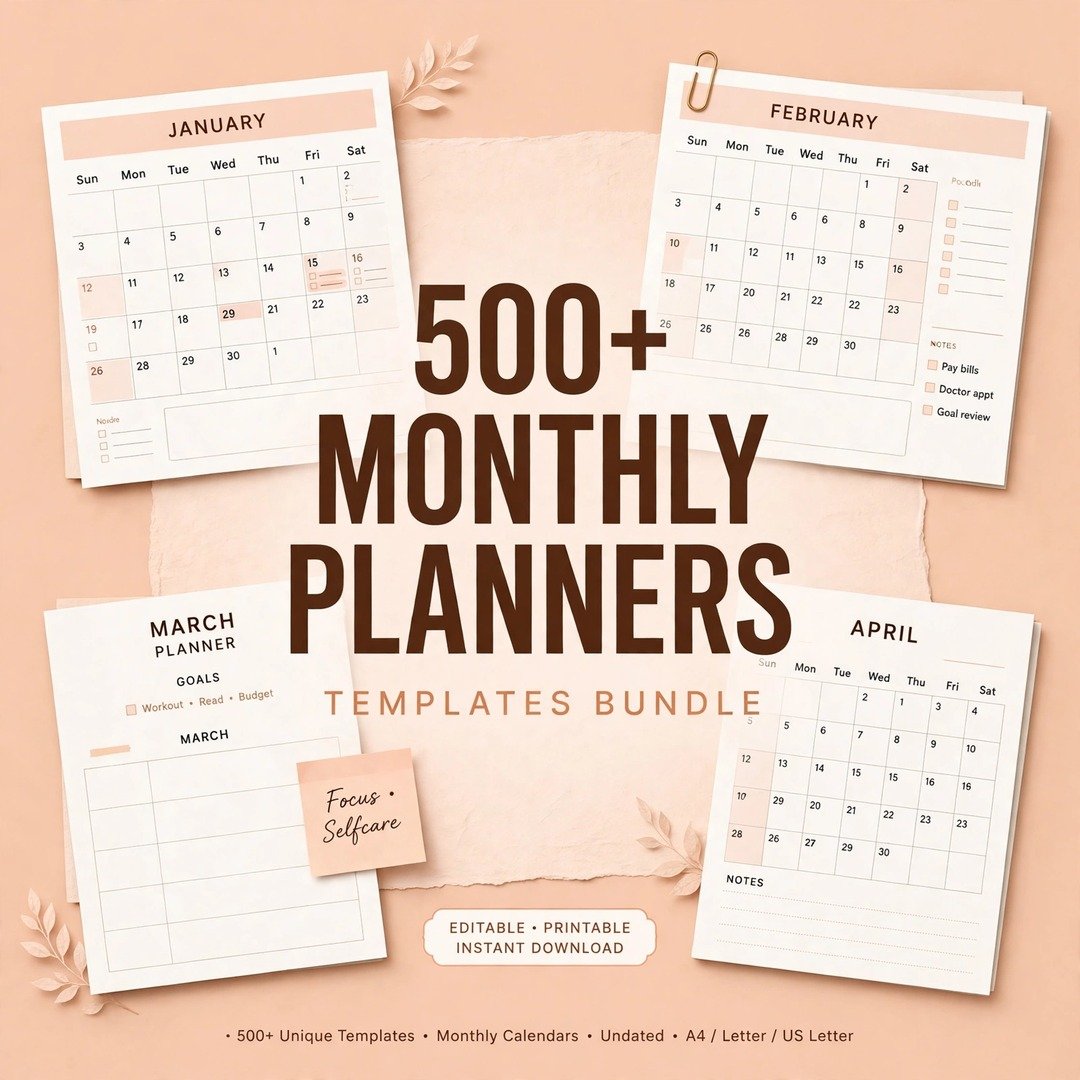
Monthly planner templates help you see the whole month, with space for dates, goals and budgets. This bundle includes 500+ monthly planner templates with monthly calendars, goal trackers, budget pages and habit trackers.
What Is Included in the Monthly Planner Templates Bundle
The bundle contains 500+ monthly planner templates. The product page lists monthly calendars, goal trackers, budget pages and habit trackers for every month. Each template can be printed or used on a tablet, so you can start a new month quickly.
How to Use Monthly Planner Templates
Using a monthly template follows a clear order:
- Choose a calendar layout that suits the month.
- Mark fixed dates, such as bills, deadlines and events, first.
- Set two or three goals for the month and place them at the top.
- Track progress on the goal page once a week.
- Review the month before the next one begins.
Who Should Buy This Bundle
These monthly planner templates are made for students, professionals and anyone who wants to see the month ahead. They suit people who plan projects over several weeks, and they are useful for tracking savings or regular payments.
Setting Realistic Monthly Goals
Monthly goals work best when they are specific and few. Choose two or three goals, and break each one into weekly steps. Write the steps on your weekly pages, so the monthly goal becomes a series of small actions. If a goal is not moving, adjust the steps rather than giving up on the goal.
Using the Budget Page Each Month
A budget page gives you a simple view of money coming in and going out. Record fixed costs first, then plan flexible spending. Review the page at the end of the month, and note which categories went over. Use these notes to set a more realistic plan for the next month. This is general planning information, not financial advice.
Tips for a Monthly Planner You Will Keep Using
Keep the calendar layout clean, with room to write in each date. Use one colour for deadlines and another for goals, so they stand out. Review the planner on the same day each month, such as the first weekend, so the habit stays steady.
Common Mistakes to Avoid
A common mistake is setting too many goals at once. Another is updating the budget only at the end of the month, when it is too late to change spending. Avoid crowding the calendar, and check the dates carefully before you add reminders.
Quick Checklist Before the Month Begins
- Mark fixed dates and deadlines first.
- Choose two or three goals for the month.
- Set up the budget page with your fixed costs.
- Schedule a review at the end of the month.
Frequently Asked Questions
Can I print the monthly planner pages?
Yes. The product page says the templates can be printed or used on a tablet.
Do I need accounting skills to use the budget pages?
No. The budget pages are simple to fill in, and you can start with a few main categories.
Can I use the templates for client work?
Check the licence terms that come with your download before you use the templates for client work or resale.
Planning Around Seasonal Events
Every month has its own calendar, with holidays, school terms, payment dates and personal events. Mark these first, before you set goals, so the plan matches the real shape of the month. If a month is busy, choose fewer goals and keep the budget page simple. If a month is quieter, you can give a larger project more time.
Explore More Digital Products
Browse more planner bundles in the MN5 DIGITAL shop, or see all products from this seller on the RizStore page. For planning and design basics, visit Canva’s website.





Reviews
There are no reviews yet.