
Description
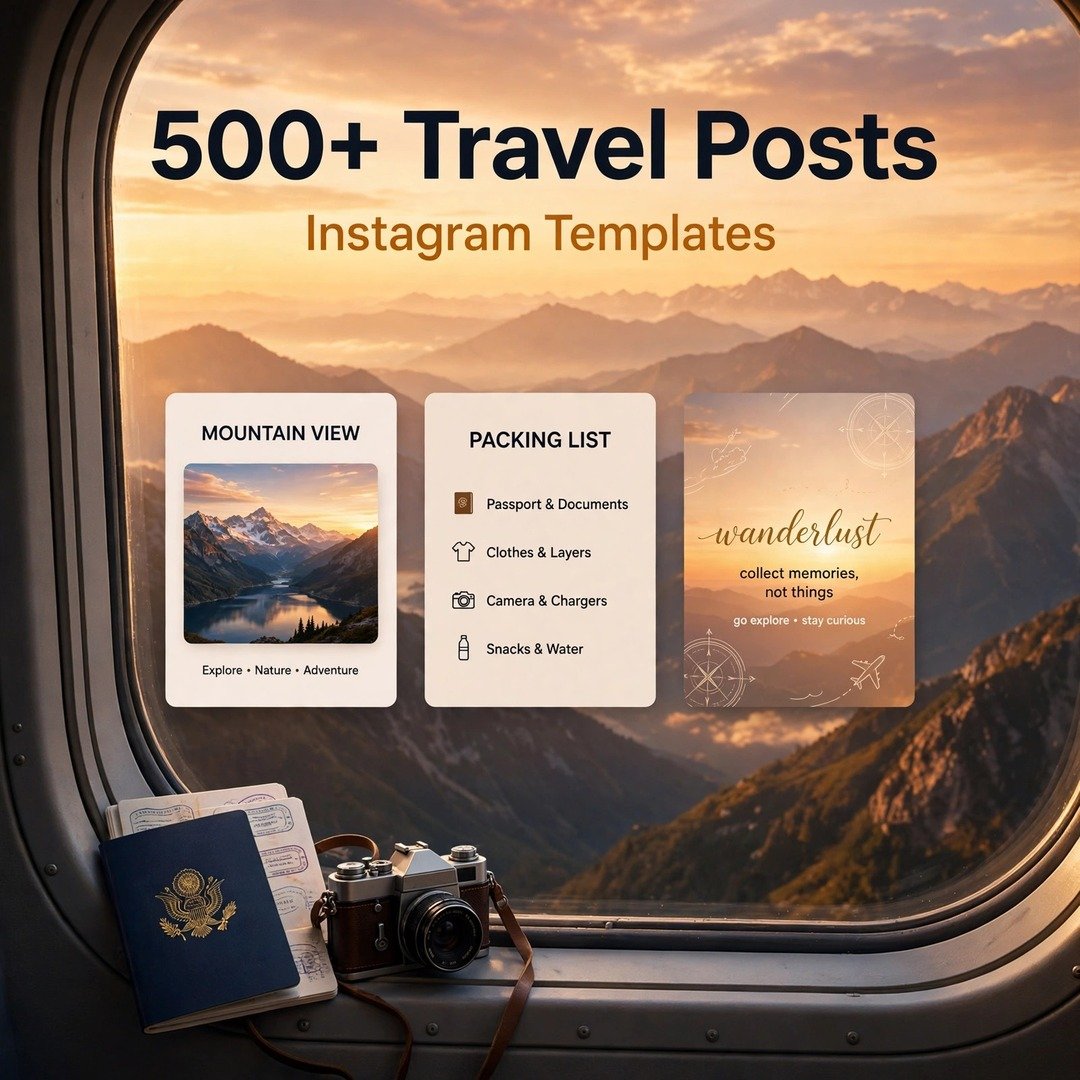
Travel Instagram post templates help travellers and travel bloggers share journeys with clean, eye-catching designs. This bundle includes 500+ travel Instagram post templates with wanderlust quotes, trip highlights, packing lists and adventure posts in stunning styles. You can edit each design in Canva and post it in minutes.
What Is Included in the Travel Instagram Post Templates Bundle
The bundle contains 500+ travel Instagram post templates. The product page lists wanderlust quotes, trip highlights, packing lists and adventure posts in stunning styles. Each template is edited in Canva, so you can add your destination photos, trip names and tips.
How to Use Travel Instagram Post Templates
Creating a travel post from a template follows a simple order:
- Choose a template that suits the post, such as a trip highlight or a packing list.
- Add a destination photo, and keep the scene large and clear.
- Replace the sample text with the trip name, date or tip.
- Check that the text is readable on a phone.
- Post the design and share it across your other channels.
Who Should Buy This Bundle
These travel Instagram post templates suit travel bloggers, tour operators, travel agents and guides. They also help couples and families who want to share their trips with friends in a stylish way.
Keeping Trip Information Accurate
Travellers rely on posts for practical details, so check every fact before sharing. Confirm opening times, prices and seasonal advice for each destination. Check official sources for entry rules before you publish trip details, because requirements can change.
Sharing Adventures Responsibly
Respect the places and people you photograph. Ask permission before you share images of other people, and avoid posting exact locations for sensitive or protected sites. Keep your posts focused on the experience, so followers enjoy the journey without causing harm.
Tips for Eye-Catching Travel Posts
Use one strong destination photo, and keep the text short. Choose a consistent colour palette, so your trips look like one collection. Save your favourite layouts in Canva, so you can reuse them for future trips. Review your posts after each season and update any that are out of date.
Common Mistakes to Avoid
A common mistake is leaving sample text on the design. Another is sharing outdated travel information. Avoid cluttered photos that hide the destination, and check the spelling of place names. Finally, do not post the same packing list without checking it still fits the season.
Quick Checklist Before You Post
- Replace all sample text.
- Check the destination details and dates.
- Confirm you have permission for any people shown.
- Preview the post on a phone.
Frequently Asked Questions
Can I edit these travel templates in Canva?
Yes. The product page says you can edit each template in Canva and post it in minutes.
Do I need design skills to use them?
No. The templates are ready to customise, so you change the text and photos rather than building a layout from scratch.
Can I use the templates for client work?
Check the licence terms that come with your download before you use the templates for client work or resale.
Planning Your Travel Content Calendar
A travel feed works best when posts follow the trip. Plan a series before you leave, with a welcome post, a few highlights and a packing list for the next trip. Schedule posts across the weeks after you return, so followers keep seeing new places. Keep a simple note of each destination and date, so your details stay accurate for future readers.
Explore More Digital Products
Browse more social media bundles in the MN5 DIGITAL shop, or see all products from this seller on the RizStore page. For design basics and Canva tips, visit Canva’s website.





Reviews
There are no reviews yet.