
Description
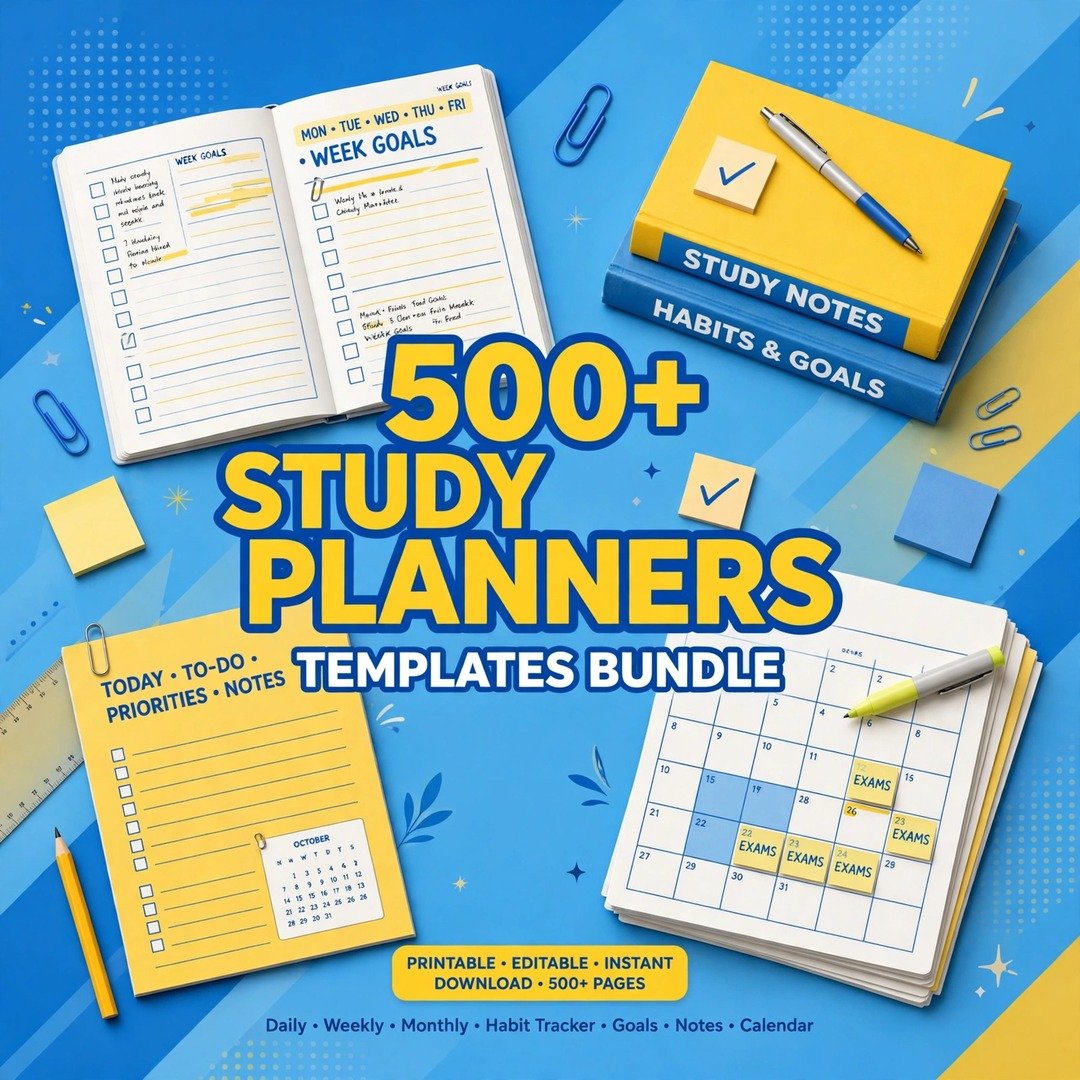
Study planner templates help you organise your revision, assignments and exam dates in one clear place. This bundle includes 500+ study planner templates with study schedules, revision trackers, exam countdowns and assignment planners. You can print each page or use it on a tablet, so you can plan around classes and deadlines.
What Is Included in the Study Planner Templates Bundle
The bundle contains 500+ study planner templates. The product page lists study schedules, revision trackers, exam countdowns and assignment planners. Each template can be printed or used on a tablet, so you can choose the format that fits how you study.
How to Use Study Planner Templates
Planning your studies with a template follows a clear order:
- Write every exam date and assignment deadline on the countdown page first.
- Block out fixed commitments, such as classes and part-time work, on the study schedule.
- Split each subject into small revision tasks, and place them on the revision tracker.
- Plan one or two assignment milestones each week, so large tasks do not build up.
- Review your progress every Sunday, and move any missed tasks to the next week.
Who Should Buy This Bundle
These study planner templates are made for school and college students, university learners and anyone studying part time. They suit people who prefer paper notes and people who study on a tablet. They are also useful for parents who want to help a child plan homework and revision.
Building a Revision Routine
Short, regular sessions usually work better than long sessions at the last minute. Aim for two or three focused blocks a day, with breaks between them. Mark each completed block on the tracker, so you can see how much ground you have covered. If a subject falls behind, move a few tasks into the next free block rather than trying to catch up in one night.
Planning Assignments Around Exams
Assignments and exams often overlap, so plan them together. Use the countdown page to see which deadlines fall in the same week, and give the larger task more time earlier in the term. Break each assignment into research, drafting and checking steps. Write these steps on the planner, so each one feels manageable.
Tips for a Study Planner That Works
Keep the planner in one place, such as a folder or a tablet app, so you can find it quickly. Use one colour for each subject, so the week is easy to scan at a glance. Set a fixed time each evening to review the next day, so the habit stays consistent. Leave a few open slots each week for unexpected work.
Common Mistakes to Avoid
A common mistake is planning every hour of the day, which leaves no room for rest. Another is writing a long list of revision topics without deciding which ones matter most. Avoid leaving the tracker unchecked for several days, because missed tasks can build up quickly. Finally, do not forget to update the countdown page when an exam date changes.
Quick Checklist Before the Term Starts
- Add every exam date and assignment deadline to the countdown page.
- Block out classes and other fixed commitments on the schedule.
- Split each subject into revision tasks on the tracker.
- Schedule a weekly review on the same day each week.
Frequently Asked Questions
Can I print the study planner pages?
Yes. The product page says the templates can be printed or used on a tablet.
Do I need planning experience to use them?
No. The templates are ready to use, and you can start with one page type and add more as you need them.
Can I use the templates for client work?
Check the licence terms that come with your download before you use the templates for client work or resale.
Explore More Digital Products
Browse more planner bundles in the MN5 DIGITAL shop, or see all products from this seller on the RizStore page. For planning and design basics, visit Canva’s website.






Reviews
There are no reviews yet.