
Description
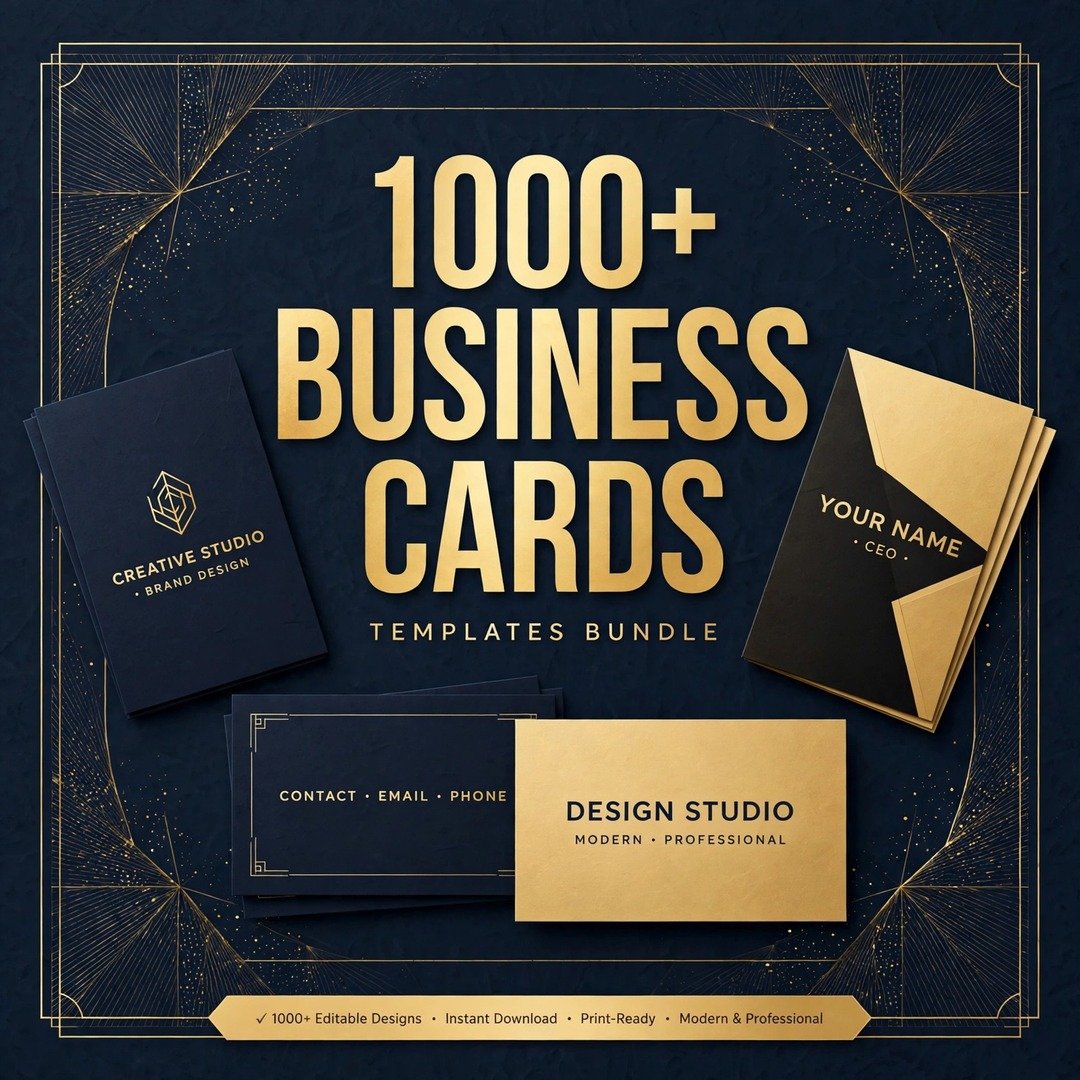
Business card templates help you make a clear first impression at events, meetings and client calls. This bundle includes 1000+ business card templates for every industry, with clean, modern, luxury and minimal designs for freelancers, agencies and small businesses.
What Is Included in the Business Card Templates Bundle
The bundle contains 1000+ business card templates. The product page describes clean, modern, luxury and minimal card designs for every industry. Each card is ready to customise, so you can add your name, job title, contact details and logo, then print the card or share the file.
How to Use Business Card Templates
Designing a card from a template takes a few simple steps:
- Choose a style that suits your industry, such as minimal for consulting or bold for creative work.
- Replace the sample name, job title and contact details with your own.
- Add your logo and check that it stays clear at a small size.
- Adjust the colours so they match your brand.
- Print a test copy, or share the digital version, before you order a full batch.
Who Should Buy This Bundle
These business card templates are made for freelancers, agencies, consultants and small business owners who need cards without hiring a designer. They also suit people who attend networking events often and want a card that matches their online profiles.
Choosing Layout and Paper for Your Cards
A card should carry only the details people need. Put your name and role on one side, and your contact details on the other, so the front stays easy to read. Leave enough space around the text, because crowded cards are harder to read at a glance. Ask your printer about paper weight and finish, since the same design can feel very different on thin and thick card stock.
Tips for Memorable Cards
Keep the text large enough to read at arm’s length. Use one or two fonts, and one accent colour for the key detail. Check that your phone number, email and website are correct, and spell your name exactly as you want it to appear. If you hand out cards at events, carry a small stack so you never run out.
Common Mistakes to Avoid
A common mistake is leaving sample text on the card. Another is using a dark background with small text, which can be hard to read in print. Avoid adding too many contact options, because a long list can look cluttered. Finally, check the print size and bleed settings with your printer before you send the file, so the design is not trimmed at the edges.
Quick Checklist Before You Print
- Check your name, job title and company name.
- Confirm the phone number, email and website.
- Make sure the logo is sharp and the colours match your brand.
- Print one test card before ordering the full batch.
Frequently Asked Questions
Do I need design skills to use these business card templates?
No. The templates are built to be customised, so you change the text, logo and colours rather than building the layout yourself.
Are the cards only for printing?
No. You can also share a digital version by email or messaging. Check the file format and size that suit each use.
Can I use the templates for client cards?
Check the licence terms that come with your download before you use the templates for client work or resale.
Using Your Cards at Networking Events
A business card is often the last thing a person keeps from a meeting, so it should be easy to recognize. Keep a simple set of details on every card, and make sure the design matches the look of your website and social profiles. When you order a new batch, reprint the cards with the same layout, so people who already have one can connect your name to your work. Store spare cards in a case before events to keep them clean and undamaged.
Explore More Digital Products
Browse more design bundles in the MN5 DIGITAL shop, or see all products from this seller on the RizStore page. To learn more about design tools, visit Canva’s website.





Reviews
There are no reviews yet.