
Description
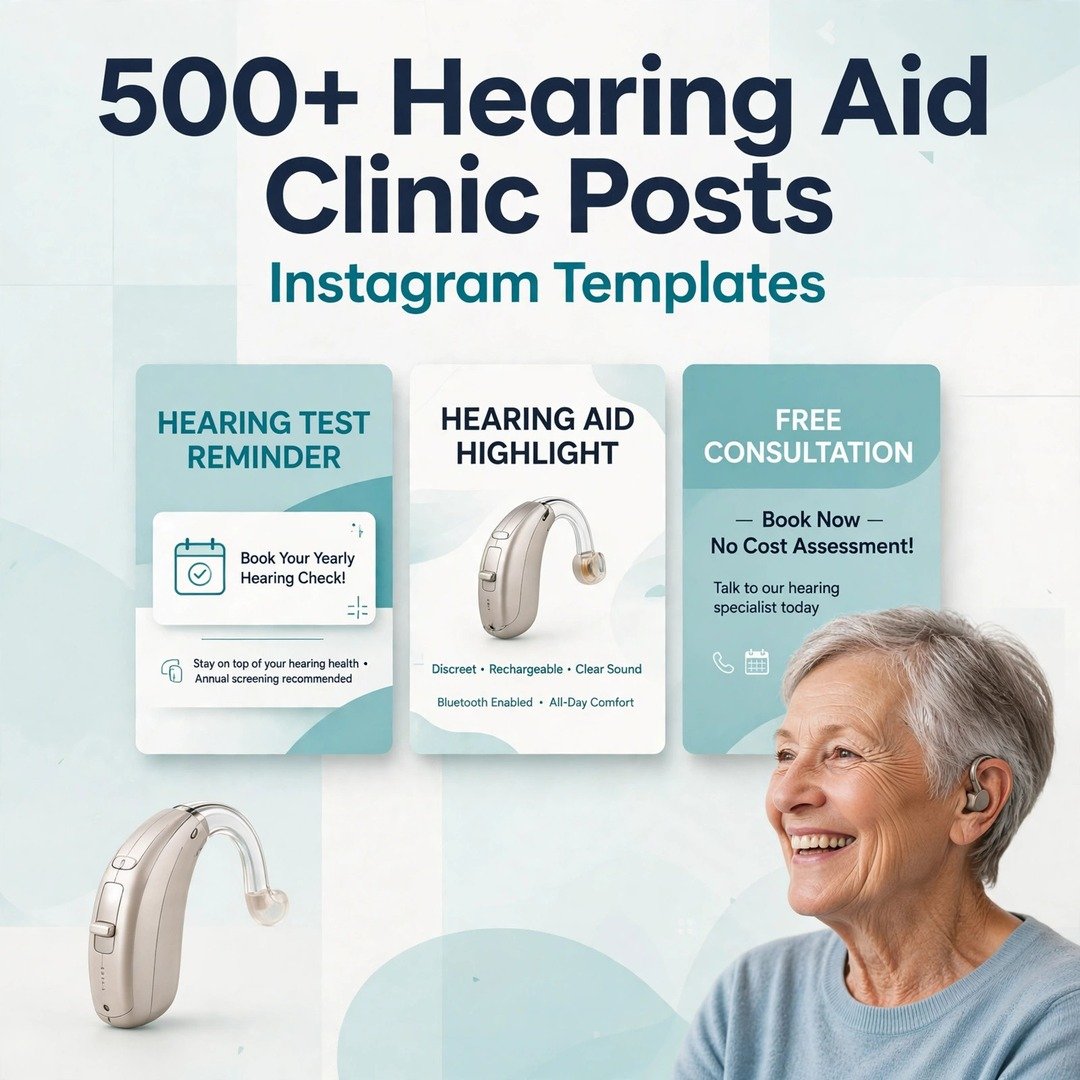
Hearing aid clinic Instagram post templates help audiologists and hearing clinics share hearing test reminders, hearing aid highlights, ear care tips and free consultation offers in clear designs. This bundle includes 500+ hearing aid clinic Instagram post templates with hearing test reminders, hearing aid highlights, ear care tips and free consultation offers. You can edit each design in Canva and post it in minutes.
What Is Included in the Hearing Aid Clinic Instagram Post Templates Bundle
The bundle contains 500+ hearing aid clinic Instagram post templates. The product page lists hearing test reminders, hearing aid highlights, ear care tips and free consultation offers in clear designs. Each template is edited in Canva, so you can add your clinic address, testing days and contact details.
How to Use Hearing Aid Clinic Instagram Post Templates
Creating a clinic post from a template follows a simple order:
- Choose a template for your message, such as a test reminder or a consultation offer.
- Replace the sample text with the device feature, tip or offer.
- Add a photo of your clinic or a device, with permission for any person shown.
- Check testing days, fees and device information.
- Post at a regular time, and reply to enquiries promptly.
Who Should Buy This Bundle
These hearing aid clinic Instagram post templates suit audiologists, hearing aid specialists, ENT clinics and community hearing services. They help any clinic that wants a warm, reassuring feed that brings people to book a hearing test.
Sharing Hearing Test Reminders
Test reminders help people take the first step. Share one reminder per post, such as booking a hearing check if someone has trouble following conversations in noisy rooms. Keep the message general, and invite readers to book an assessment so a qualified professional can advise them on their own hearing.
Highlighting Hearing Aid Features
Hearing aid posts can explain features and the fitting process in plain language. Feature one feature per post, such as rechargeable batteries or Bluetooth streaming, and mention only features your clinic actually offers. Avoid promising that a device will restore hearing, because results depend on each person’s hearing loss and how the device is fitted.
Sharing Ear Care Tips
Ear care tips are simple and useful for most readers. Share one habit per post, such as turning down the volume on headphones or using hearing protection at loud events. Suggest that anyone with ear pain, discharge or wax build-up sees a doctor or audiologist, rather than trying home remedies or ear drops.
Planning a Monthly Hearing Content Calendar
Hearing health posts work well on a regular rhythm, so plan your feed by month. Share a test reminder early in the month, a device feature in the middle and an ear care tip towards the end. Prepare the designs in Canva at the start of each month, then schedule them. A steady calendar keeps your clinic in people’s minds between appointments.
Tips for Calm, Clear Posts
Use one clear image or device photo as the focal point, and keep the text short. Choose a calm palette in soft blues or greys. Save your favourite layouts in Canva so you can publish quickly. Review your clinic information and fees each season.
Common Mistakes to Avoid
A common mistake is leaving an old test day or price on the design. Another is sharing a client’s story without written consent. Avoid promising a cure for hearing loss, and do not keep a free consultation offer live once your clinic diary is full.
Quick Checklist Before You Post
- Replace all sample text, dates and fees.
- Confirm consent for any client image or story.
- Remove any claims that a device restores hearing.
- Preview the post on a phone.
Frequently Asked Questions
Can I edit these hearing aid clinic templates in Canva?
Yes. The product page says you can edit each template in Canva and post it in minutes.
Do I need design skills to use them?
No. The templates are ready to customise, so you change the text and images rather than building a layout from scratch.
Can I use the templates for client work?
Check the licence terms that come with your download before you use the templates for client work or resale.
Explore More Digital Products
Browse more social media bundles in the MN5 DIGITAL shop, or see all products from this seller on the RizStore page. For design basics and Canva tips, visit Canva’s website.








Reviews
There are no reviews yet.