
Description
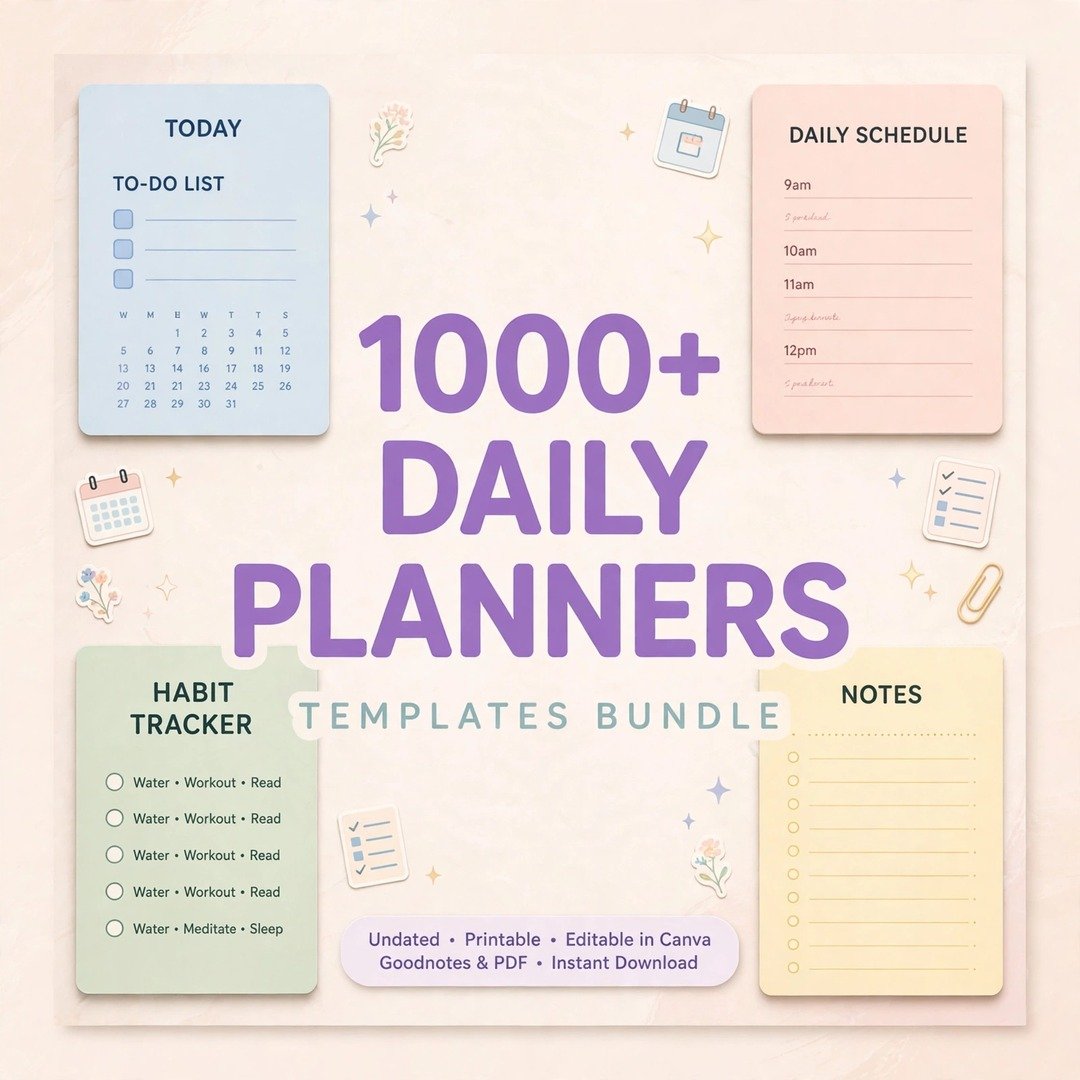
Daily planner templates help you organise each day with clear space for tasks, appointments and priorities. This bundle includes 1000+ daily planner templates with daily, weekly and monthly pages, habit trackers, to-do lists and goal planners.
What Is Included in the Daily Planner Templates Bundle
The bundle contains 1000+ daily planner templates. The product page lists daily, weekly and monthly planner pages, habit trackers, to-do lists and goal planners. Each template can be printed or used on a tablet, so you can choose the format that suits your routine.
How to Use Daily Planner Templates
Using a daily planner template follows a simple routine:
- Choose a planner page that suits your routine: daily, weekly or monthly.
- Write your priorities for the day before you add other tasks.
- Add appointments and deadlines in the time slots.
- Tick off completed tasks, and move unfinished ones to the next day.
- Review the week at the end of each Sunday, and plan the next one.
Who Should Buy This Bundle
These daily planner templates are made for students, professionals and anyone who likes organised days. They suit people who prefer paper and people who use a tablet, because the templates can be printed or used on a screen.
Balancing Tasks and Time
A planner works best when the list is realistic. Limit the day to a few important tasks, rather than writing every small idea. Leave some space for unplanned work, because most days include surprises. If a task keeps moving to the next day, break it into smaller steps, so it is easier to start.
Using Daily, Weekly and Monthly Pages Together
Daily pages handle the details, weekly pages show the bigger pattern, and monthly pages track longer goals. Use all three together by writing monthly goals on the monthly page, weekly steps on the weekly page, and daily actions on the daily page. This layered approach keeps each day connected to the bigger plan.
Tips for a Planner You Will Use
Keep your planner in one place, such as a folder or a tablet app, so you can find it quickly. Use the same colour for each type of task, such as work, personal or study. Set a fixed time each morning to plan the day, so the habit becomes part of your routine.
Common Mistakes to Avoid
A common mistake is writing too many tasks in one day. Another is never reviewing the planner, so old tasks pile up. Avoid overfilling the page, because a crowded layout is hard to use. Finally, do not treat the planner as a rigid rule book; adjust it when your routine changes.
Quick Checklist Before You Start
- Choose the page type you will use most often.
- Print or open a test page to check the size.
- Add your priorities before other tasks.
- Review the week at the end of each Sunday.
Frequently Asked Questions
Can I use these planner templates on a tablet?
Yes. The product page says the templates can be printed or used on a tablet.
Do I need planning experience to use them?
No. The templates are ready to use, and you can add your own routine and goals.
Can I use the templates for client work?
Check the licence terms that come with your download before you use the templates for client work or resale.
Setting Up Your Planner for the First Week
Start with a simple setup rather than filling every page at once. Choose one page type for your first week, and add only three to five tasks each day. Keep a blank page at the back for notes, ideas and reminders that do not fit a fixed time. After a week, look at which pages you used most, and keep only those in your regular routine.
Explore More Digital Products
Browse more planner bundles in the MN5 DIGITAL shop, or see all products from this seller on the RizStore page. For planning and design basics, visit Canva’s website.






Reviews
There are no reviews yet.