
Description
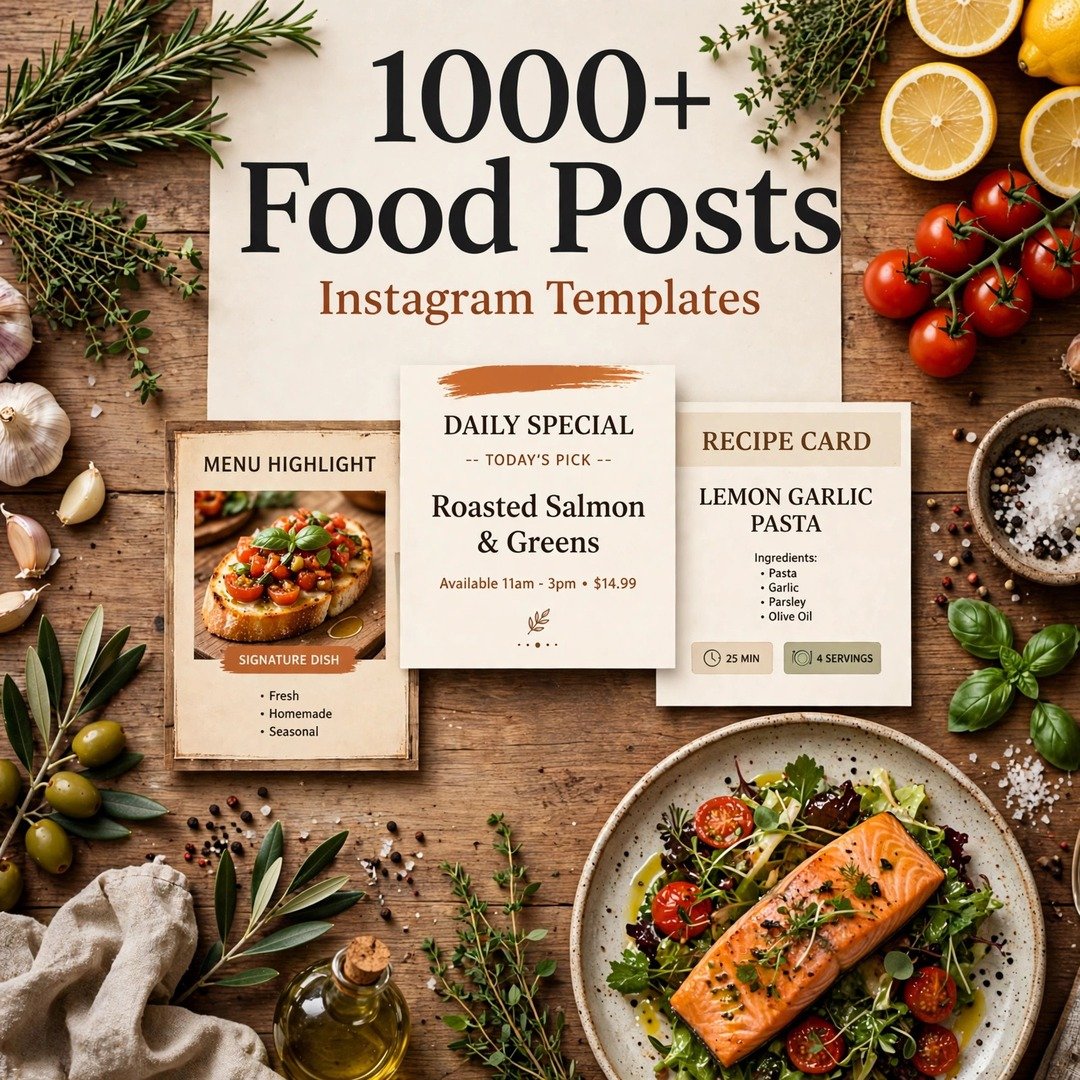
Food Instagram post templates help restaurants, cafes and food bloggers share menus, specials and recipes in a polished style. This bundle includes 1000+ food Instagram post templates with menu highlights, daily specials, recipes and food quotes in delicious styles. You can edit each design in Canva and post it in minutes.
What Is Included in the Food Instagram Post Templates Bundle
The bundle contains 1000+ food Instagram post templates. The product page lists menu highlights, daily specials, recipes and food quotes in delicious styles. Each template is edited in Canva, so you can add your dishes, prices and branding before you post.
How to Use Food Instagram Post Templates
Creating a food post from a template follows a simple order:
- Choose a template for your message, such as a menu highlight, a daily special or a recipe.
- Replace the sample dish name, description and price.
- Add a real photo of the food, since real photography usually looks most appetising.
- Add allergen or dietary notes where they apply.
- Post at a time when your local followers are most active, such as before lunch or dinner.
Who Should Buy This Bundle
These food Instagram post templates suit restaurants, cafes, bakeries, caterers and food bloggers. They are useful for any business that wants to share its menu and specials in a consistent style.
Promoting Daily Specials Clearly
Daily specials need clear dates and prices, so update the post each day. Use a template with a bold headline for the special, and keep the rest of the text short. Remove or replace the post once the special has ended, so followers always see current offers.
Pairing Templates With Real Photos
Templates give you the layout, but your own food photos make the post feel fresh. Shoot dishes in natural light where you can, and keep the background tidy. Use the same colours and fonts across your menu posts, so your feed looks like one brand.
Tips for Appetising Posts
Keep text large enough to read on a phone, and use one main message per post. Save your brand colours in Canva, so every post matches. Check the spelling of dish names before publishing, since errors are easy to notice on a menu. Review which posts get the most saves and replies, and share more of those.
Common Mistakes to Avoid
A common mistake is leaving sample dishes or prices on the post. Another is showing a special that is no longer available. Avoid crowded layouts, and check allergen notes carefully. Finally, do not post the same menu item over and over without a new angle.
Quick Checklist Before You Post
- Replace all sample dishes and prices.
- Check that daily specials are current.
- Confirm allergen and dietary notes.
- Preview the post on a phone.
Frequently Asked Questions
Can I edit these food templates in Canva?
Yes. The product page says you can edit each template in Canva and post it in minutes.
Do I need design skills to use them?
No. The templates are ready to customise, so you change the text and photos rather than building a layout from scratch.
Can I use the templates for client work?
Check the licence terms that come with your download before you use the templates for client work or resale.
Highlighting Weekend and Seasonal Menus
Weekend brunches, seasonal dishes and holiday menus often attract extra visits. Create a dedicated template for each, and post a few days ahead so guests can plan. Include the dates the menu is available, and remove the post once the offer ends. Clear timing helps followers act on the post rather than scroll past it.
Explore More Digital Products
Browse more food and restaurant bundles in the MN5 DIGITAL shop, or see all products from this seller on the RizStore page. For design basics and Canva tips, visit Canva’s website.








Reviews
There are no reviews yet.