
Description
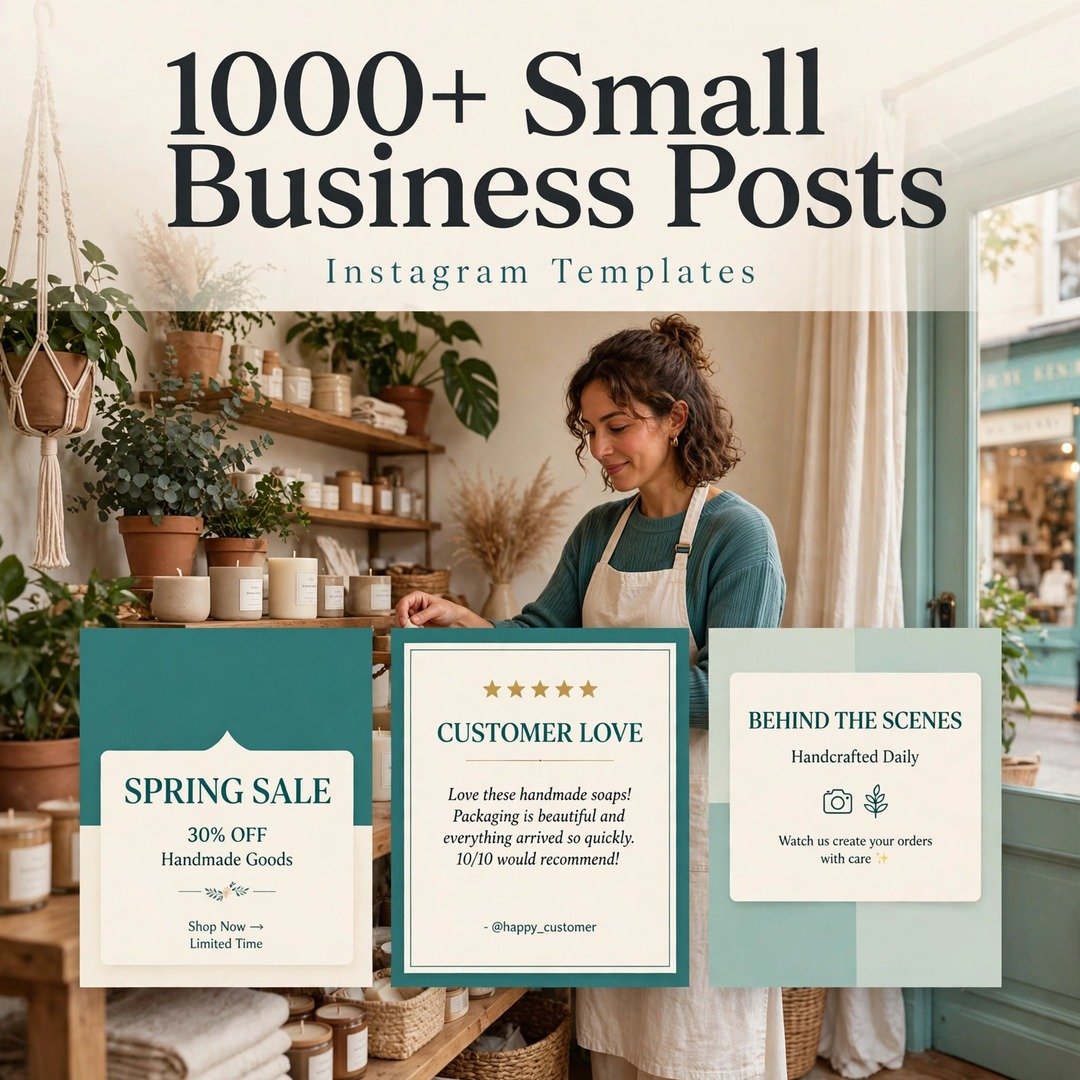
Small business Instagram post templates help owners promote offers, share testimonials and grow their brand with consistent designs. This bundle includes 1000+ small business Instagram post templates with promo posts, testimonials, behind-the-scenes content and product launches in professional styles. You can edit each design in Canva and post it in minutes.
What Is Included in the Small Business Instagram Post Templates Bundle
The bundle contains 1000+ small business Instagram post templates. The product page lists promo posts, testimonials, behind-the-scenes content and product launches in professional styles. Each template is edited in Canva, so you can add your products, offers and brand details.
How to Use Small Business Instagram Post Templates
Creating a business post from a template follows a simple order:
- Choose a template for your goal, such as a promotion, a testimonial or a product launch.
- Replace the sample text with your offer, message or customer quote.
- Add your logo, product photo or team photo.
- Check prices, dates and contact details before you post.
- Schedule the post for a time when your customers are most active.
Who Should Buy This Bundle
These small business Instagram post templates suit shop owners, service providers, online sellers and local businesses. They help any owner who wants a steady feed without designing every post from scratch.
Balancing Promotions With Helpful Content
Followers respond well to posts that teach or entertain, not only posts that sell. Mix promotions with tips, behind-the-scenes moments and customer stories. This keeps the feed interesting, so when you do post an offer, people are more likely to pay attention.
Using Testimonials Honestly
Testimonials build trust, but only share real customer feedback with the customer’s permission. Use the customer’s own words where you can, and avoid inventing quotes. A short, genuine review is more convincing than a long claim.
Tips for a Consistent Brand Feed
Choose one colour palette and one font style, and use them across every post. Keep one main message per design, with large text for the key words. Save your favourite layouts in Canva, so you can publish quickly. Review your feed monthly and refresh posts that look dated.
Common Mistakes to Avoid
A common mistake is leaving sample text or prices on the design. Another is promoting an offer after it has ended. Avoid crowded layouts, and check that your contact details are correct. Finally, do not post the same promotion repeatedly without changing the message.
Quick Checklist Before You Post
- Replace all sample text, prices and dates.
- Confirm the offer is still running.
- Check that testimonials have permission.
- Preview the post on a phone.
Frequently Asked Questions
Can I edit these business templates in Canva?
Yes. The product page says you can edit each template in Canva and post it in minutes.
Do I need design skills to use them?
No. The templates are ready to customise, so you change the text and images rather than building a layout from scratch.
Can I use the templates for client work?
Check the licence terms that come with your download before you use the templates for client work or resale.
Showing Your Team and Process
Behind-the-scenes posts help customers feel connected to the people behind a business. Share a short look at how you prepare orders, meet clients or design products. Use a simple template with a photo and one line of explanation. Ask team members for permission before you share their photos, so everyone feels comfortable with the content.
Explore More Digital Products
Browse more social media bundles in the MN5 DIGITAL shop, or see all products from this seller on the RizStore page. For design basics and Canva tips, visit Canva’s website.





Reviews
There are no reviews yet.