
Description
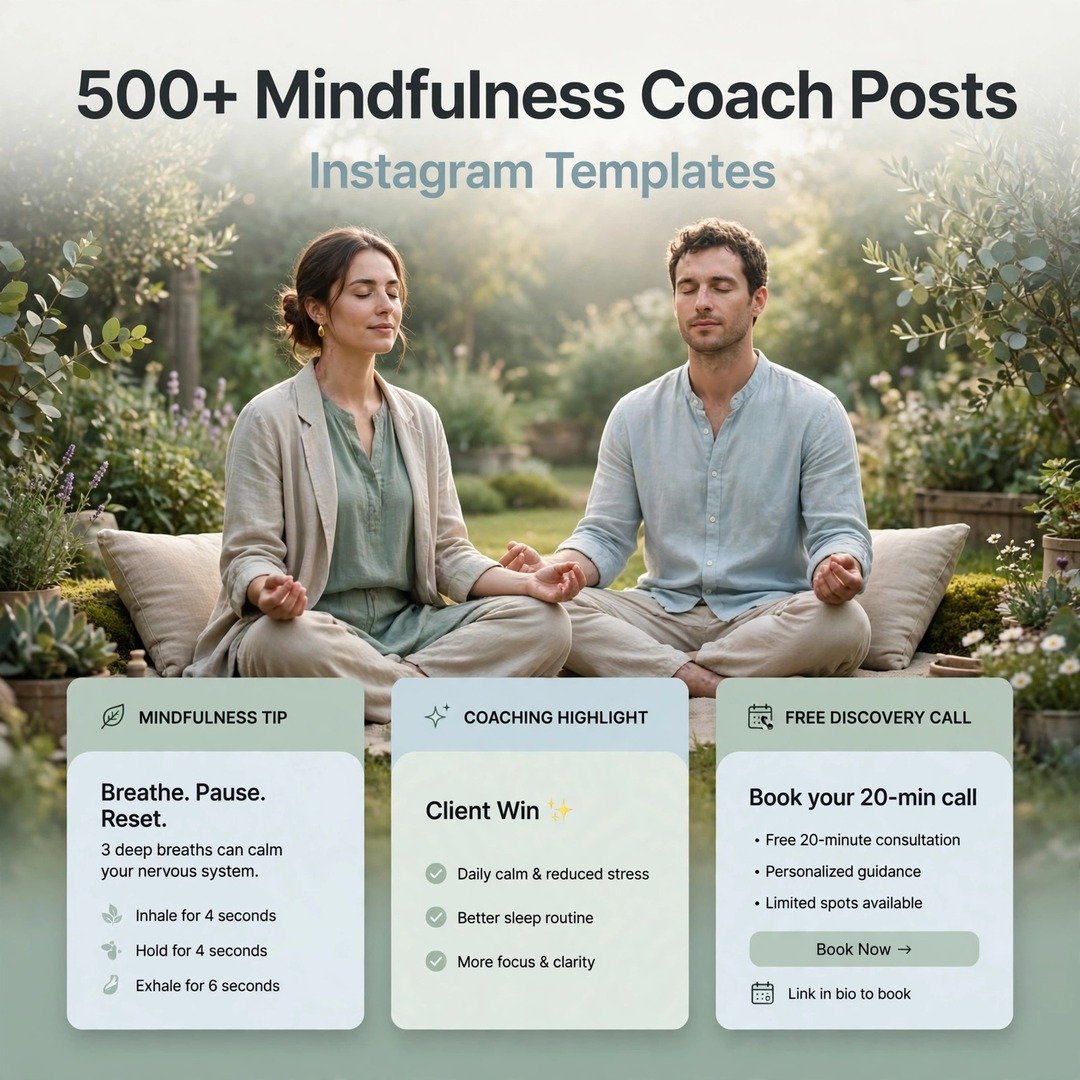
Mindfulness coach Instagram post templates help mindfulness coaches share breathing tips, coaching highlights, present-moment advice and free discovery call offers in serene designs. This bundle includes 500+ mindfulness coach Instagram post templates with breathing tips, coaching highlights, present-moment advice and free discovery call offers. You can edit each design in Canva and post it in minutes.
What Is Included in the Mindfulness Coach Instagram Post Templates Bundle
The bundle contains 500+ mindfulness coach Instagram post templates. The product page lists breathing tips, coaching highlights, present-moment advice and free discovery call offers in serene designs. Each template is edited in Canva, so you can add your practice style, session format and booking details.
How to Use Mindfulness Coach Instagram Post Templates
Creating a coaching post from a template follows a simple order:
- Choose a template for your message, such as a breathing tip or a discovery call offer.
- Replace the sample text with the practice, reflection or offer.
- Add a calm, uncluttered image of a quiet space or nature.
- Check your qualifications, practice style and offer terms.
- Post at a regular time, and reply to enquiries promptly.
Who Should Buy This Bundle
These mindfulness coach Instagram post templates suit mindfulness coaches, meditation teachers, wellbeing coaches and workplace mindfulness trainers. They help any qualified coach who wants a peaceful, steady feed that brings people to book a discovery call. The templates are general, so they fit many styles of practice.
Sharing Simple Breathing Tips
Breathing tips work best when they are short and easy to try. Share one practice per post, such as a three-breath pause before a meeting or a slow exhale before a difficult conversation. Keep the advice general, and remind readers that a short practice is a support tool, not a treatment.
Highlighting Mindfulness Sessions
Session posts can explain what a mindfulness session involves. Describe the format in plain language, such as a guided practice followed by a short reflection. Avoid promising that a practice will change a person’s life or remove a difficulty, because progress differs for each person and depends on many factors.
When Mindfulness Is Not Enough
Posts should point readers to more help when it is needed. Encourage anyone with persistent low mood, anxiety that affects daily life, or thoughts of harming themselves to speak to a doctor or a qualified mental health professional. Anyone in immediate danger should contact emergency services straight away, and a crisis line can help at any hour in many areas.
Planning a Seasonal Mindfulness Calendar
Many people find the changing seasons, holidays and busy periods hard to manage, so plan your feed around them. Share a grounding idea at the start of the year, a rest-focused prompt in the middle and a gratitude reflection before the year ends. Prepare the designs in Canva at the start of each month, then schedule them. A steady calendar keeps your coaching in front of people when they are ready to slow down.
Tips for Serene, Calm Posts
Use one calm image per post, and keep the text short. Choose a soft palette, such as sage, cream and pale blue. Save your favourite layouts in Canva so you can publish quickly. Review your practice descriptions and offers each season.
Common Mistakes to Avoid
A common mistake is claiming that mindfulness treats or cures any condition. Another is leaving an old price or session name on the design. Avoid crowded layouts with too much text, and do not keep a free discovery call offer live once your calendar is full.
Quick Checklist Before You Post
- Replace all sample text, prices and session names.
- Remove any claims that a practice treats or cures a condition.
- Confirm that persistent low mood or anxiety points readers to a professional.
- Preview the post on a phone.
Frequently Asked Questions
Can I edit these mindfulness coach templates in Canva?
Yes. The product page says you can edit each template in Canva and post it in minutes.
Do I need design skills to use them?
No. The templates are ready to customise, so you change the text and images rather than building a layout from scratch.
Can I use the templates for client work?
Check the licence terms that come with your download before you use the templates for client work or resale.
Explore More Digital Products
Browse more social media bundles in the MN5 DIGITAL shop, or see all products from this seller on the RizStore page. For design basics and Canva tips, visit Canva’s website.





Reviews
There are no reviews yet.