
Description
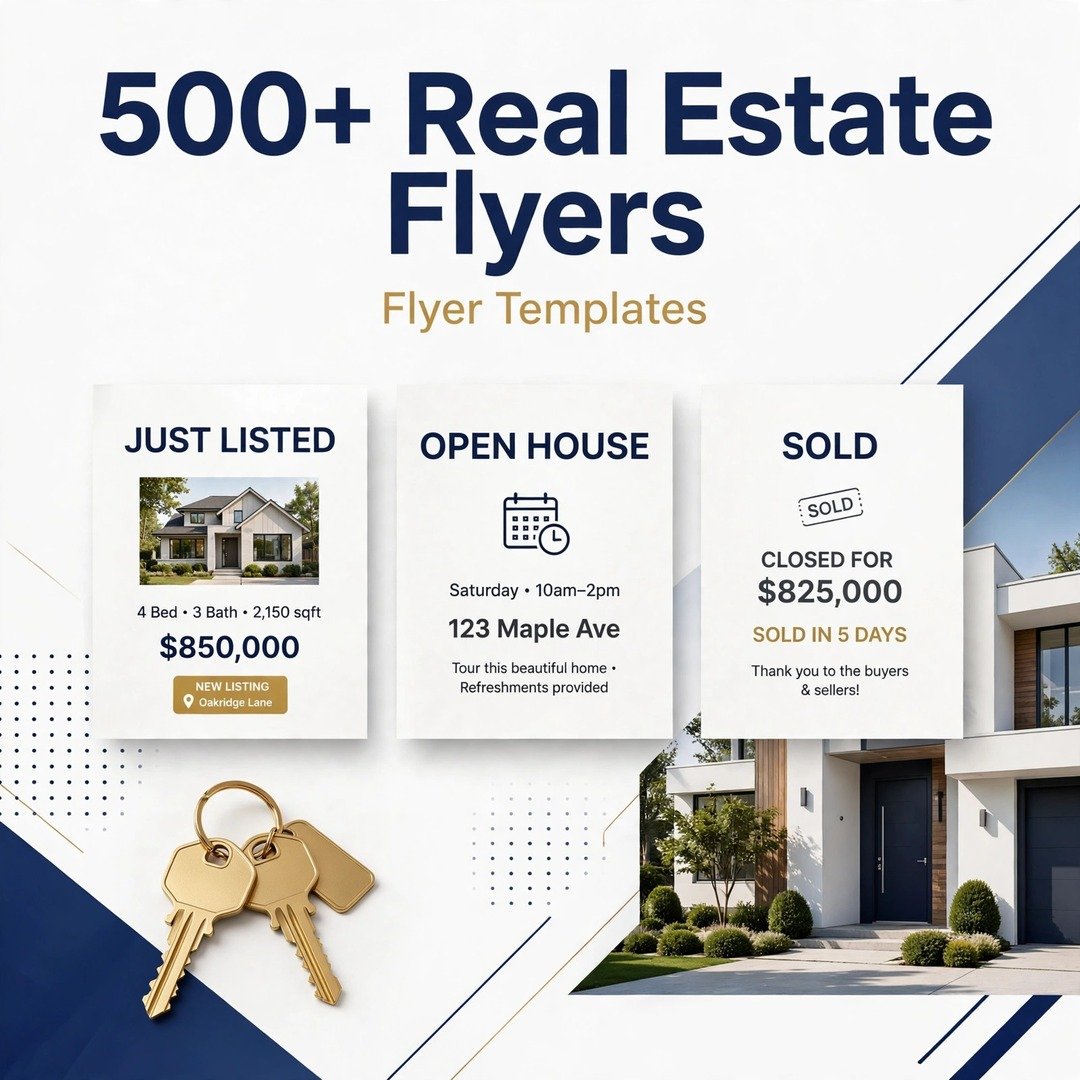
Real estate flyer templates help agents and sellers market properties with clear, professional flyers. This bundle includes 500+ real estate flyer templates for just listed, open house, sold and price drop flyers in modern styles. You can edit each design in Canva and print or post it in minutes.
What Is Included in the Real Estate Flyer Templates Bundle
The bundle contains 500+ real estate flyer templates. The product page lists just listed, open house, sold and price drop flyers in modern styles. Each template is edited in Canva, so you can add the property address, price, photos and your contact details.
How to Use Real Estate Flyer Templates
Preparing a flyer from a template follows a simple order:
- Choose the flyer type that matches the listing stage, such as just listed or open house.
- Replace the sample address, price and property details.
- Add a clear listing photo, and keep the main image large.
- Check every detail against the listing agreement before you print.
- Print a test copy or post the digital version, then share it with your network.
Who Should Buy This Bundle
These real estate flyer templates suit agents, brokers, property managers and homeowners who are selling privately. They also help small agencies that need consistent flyers for several listings at once.
Choosing the Right Flyer for Each Stage
A just listed flyer works best in the first days after a property goes on the market. An open house flyer should be ready well before the event, and a sold flyer suits the period after a deal closes. A price drop flyer helps you show a change clearly, so update it as soon as the price changes.
Keeping Listing Details Accurate
Buyers rely on flyers for key facts, so check them carefully. Confirm the address, price, open house times and contact details before printing. Remove old flyers once a property is sold or the price has changed, so buyers never see outdated information.
Following Local Advertising Rules
Property listings are often subject to local advertising rules. Check the requirements in your area before you publish, and include any details those rules require. This keeps your marketing accurate and protects your reputation with buyers and sellers.
Tips for Flyers That Get Attention
Use one strong listing photo and a large, easy-to-read price. Keep the layout clean, so the key details stand out from a distance. Save your favourite layouts in Canva, so you can produce new flyers quickly. Use the same style across all your listings, so clients recognise your brand.
Common Mistakes to Avoid
A common mistake is leaving sample text or an old price on the flyer. Another is publishing the wrong open house time. Avoid cluttered layouts, and make sure your contact details are visible. Finally, do not print large batches before the details are confirmed.
Quick Checklist Before You Print
- Replace all sample text.
- Check the address, price and open house times.
- Confirm your contact details.
- Print a test copy before the full run.
Frequently Asked Questions
Can I edit these flyers in Canva?
Yes. The product page says you can edit each template in Canva and print or post it in minutes.
Do I need design skills to use them?
No. The templates are ready to customise, so you change the text and photos rather than building a layout from scratch.
Can I use the flyers for client work?
Check the licence terms that come with your download before you use the templates for client work or resale.
Explore More Digital Products
Browse more design bundles in the MN5 DIGITAL shop, or see all products from this seller on the RizStore page. For design basics and Canva tips, visit Canva’s website.








Reviews
There are no reviews yet.