
Description
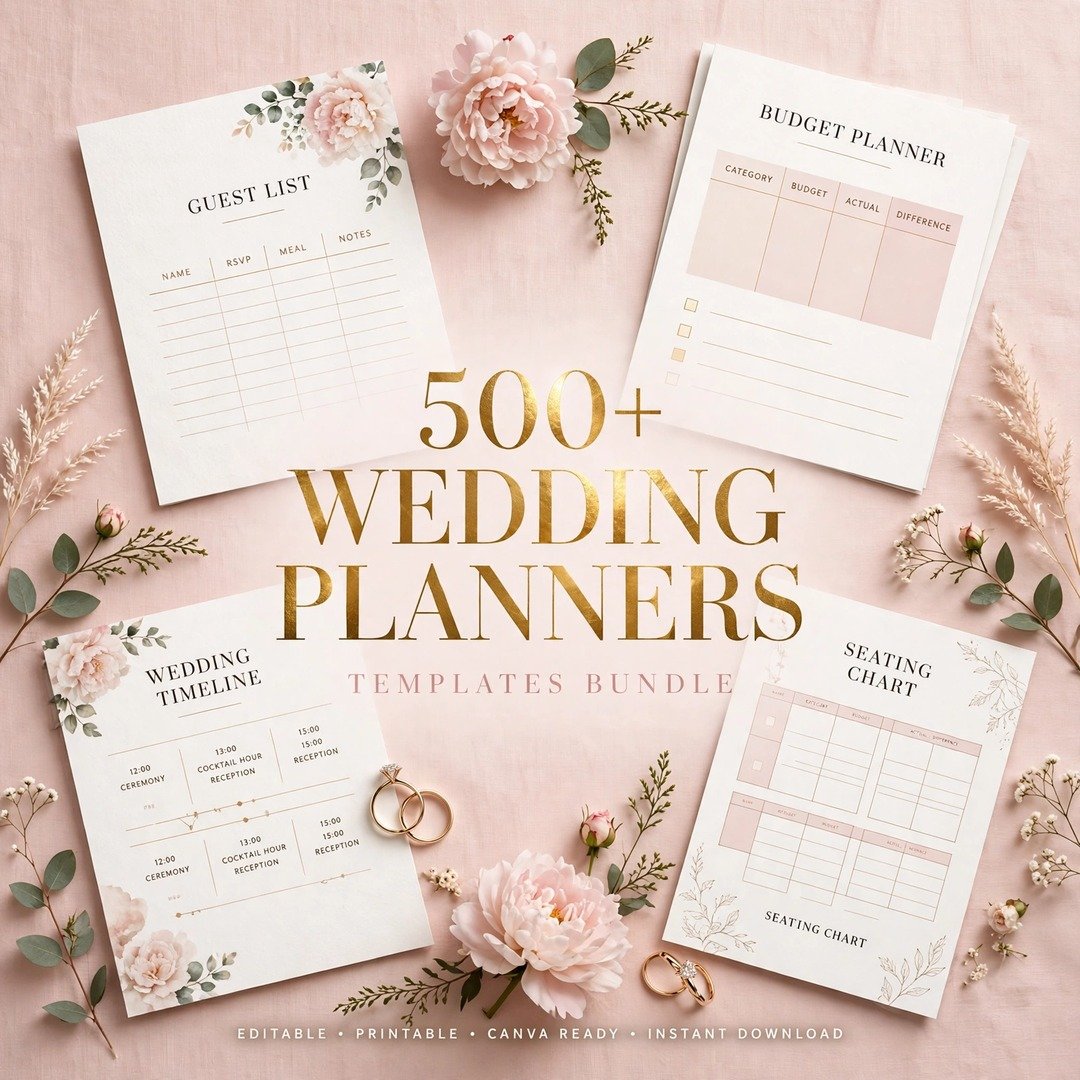
Wedding planner templates help you organise every stage of your wedding, from the budget to the final thank you. This bundle includes 500+ wedding planner templates with budget pages, guest lists, seating charts, timelines and checklists. You can print each page or use it on a tablet, so you can plan at your own pace.
What Is Included in the Wedding Planner Templates Bundle
The bundle contains 500+ wedding planner templates. The product page lists budget pages, guest lists, seating charts, timelines and checklists. Each template can be printed or used on a tablet, so you can share the pages with your partner, family or wedding planner.
How to Use Wedding Planner Templates
Planning a wedding with a template follows a clear order:
- Set a total budget and list the main costs on the budget page.
- Write the wedding date, venue and key suppliers on the timeline.
- Build the guest list, and update it as replies arrive.
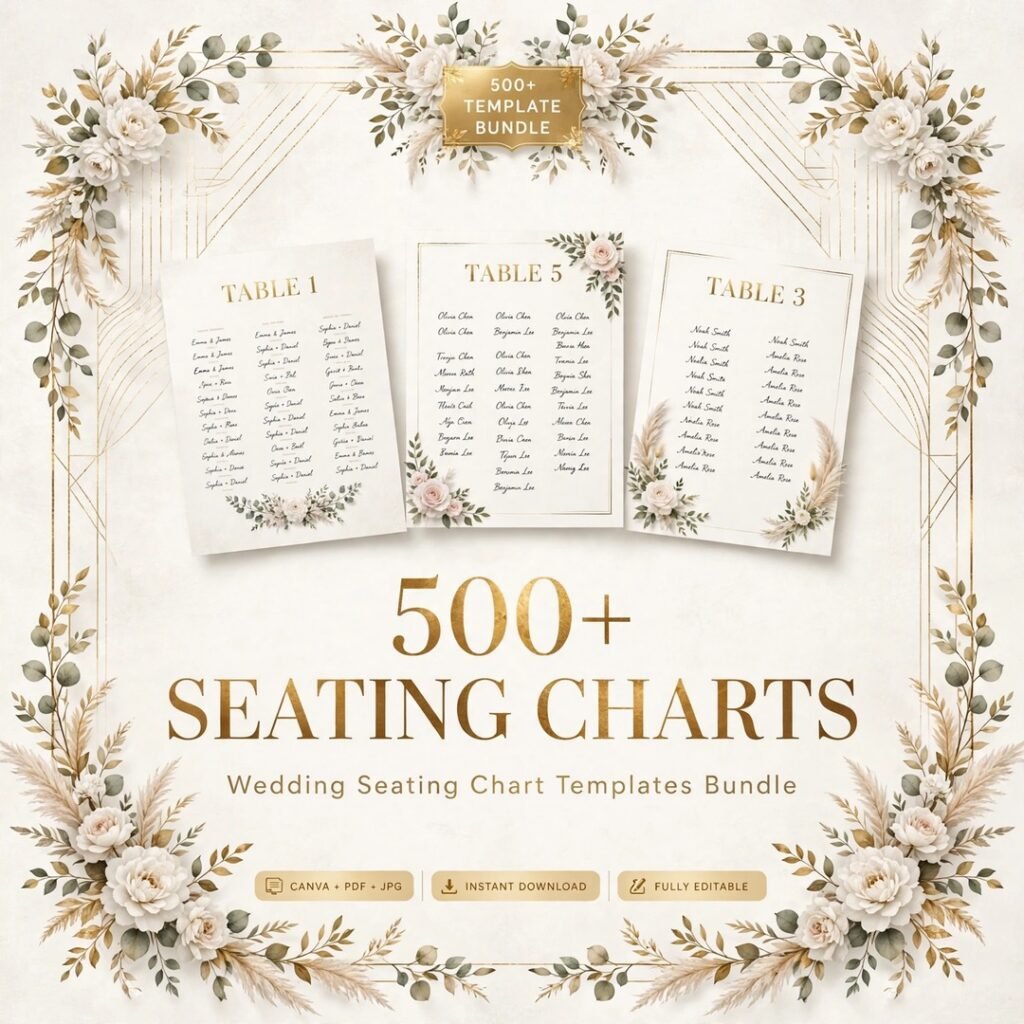
- Use the seating chart page once the guest list is confirmed.
- Tick off the checklist month by month until the big day.
Who Should Buy This Bundle
These wedding planner templates are made for couples, families helping with the wedding and wedding planners who want a clear set of pages for each client. They suit both small, relaxed weddings and larger celebrations, because the pages can be adapted to the size of the event.
Keeping the Budget Realistic
A wedding budget works best when it is written down before any bookings are made. List the largest costs first, then add a small reserve for surprises. Record each payment on the budget page as soon as it is made, so the totals stay accurate. Review the budget every month, and adjust the plan before costs add up.
Managing the Guest List
A guest list changes often, so keep one master copy. Note who has accepted, declined or not replied, and update the list when the status changes. Share the final list with the venue and caterer by the agreed date. A current list makes the seating chart and the catering numbers far easier to manage.
Tips for a Planner That Stays Organised
Keep the planner in one place, such as a folder or a tablet app, so you can find it quickly. Use one colour for each area, such as venue, catering and attire, so the pages are easy to scan. Set a short weekly review, even if it only takes fifteen minutes. Keep a copy of every contract and receipt with the budget page.
Common Mistakes to Avoid
A common mistake is leaving the budget until after bookings have been made. Another is building the guest list without a final date for replies, which makes the seating chart hard to finish. Avoid putting every task on one page, because a crowded timeline is hard to use. Finally, do not skip the checklist items for the final week, such as confirming arrangements with suppliers.
Quick Checklist for the Final Month
- Confirm the guest count with the venue and caterer.
- Check the budget page for any payments still due.
- Print the seating chart and check every name.
- Confirm the timeline with suppliers and key helpers.
Frequently Asked Questions
Can I print the wedding planner pages?
Yes. The product page says the templates can be printed or used on a tablet.
Do I need planning experience to use these templates?
No. The templates are ready to use, and you can start with the budget and guest list pages.
Can I use the templates for client work?
Check the licence terms that come with your download before you use the templates for client work or resale.
Explore More Digital Products
Browse more wedding bundles in the MN5 DIGITAL shop, or see all products from this seller on the RizStore page. For wedding stationery ideas and design basics, visit Canva’s website.




Reviews
There are no reviews yet.