
Description
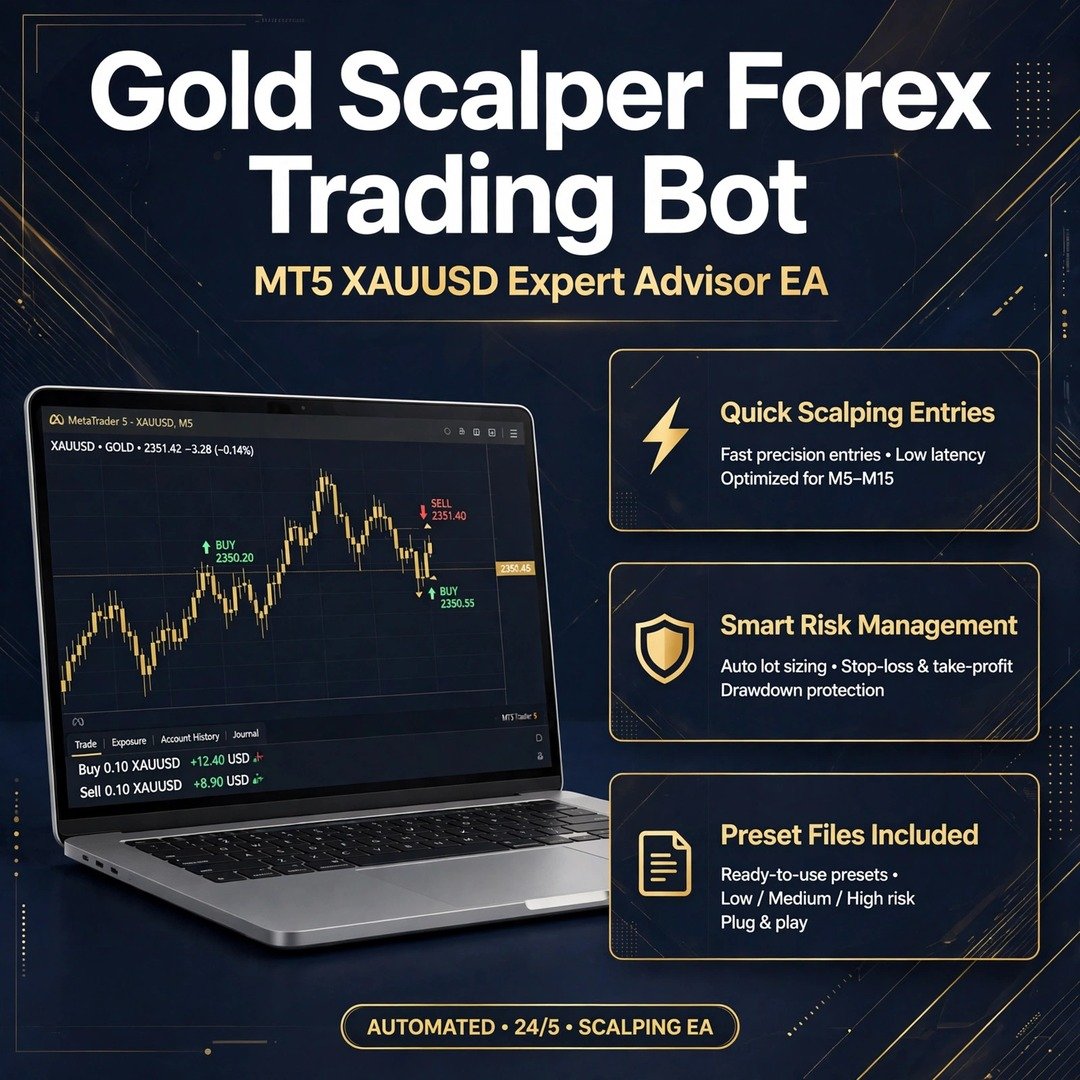
Gold scalper forex trading bot MT5 is an expert advisor for MetaTrader 5. This description explains what the product page includes, how to set it up on a demo account, and the risks you need to understand before any live use. It is a product listing, not financial advice.
What Is Included in the Gold Scalper Forex Trading Bot MT5 Product
The product page describes this expert advisor for XAUUSD (gold) on MetaTrader 5. It lists scalping entries on XAUUSD, risk management settings, preset files and setup instructions. The page also mentions setup notes, so review every input before you run it. This description does not verify the claims made on the seller’s page.
How to Install Gold Scalper Forex Trading Bot MT5 on MetaTrader 5
Setting up an expert advisor follows a simple order:
- Open MetaTrader 5 and go to File, then Open Data Folder.
- Copy the expert advisor file into the MQL5 Experts folder.
- Restart the platform or refresh the Navigator panel.
- Attach the expert advisor to a demo chart and turn on Algo Trading.
- Load the preset files, then review every input before you start.
Who Should Consider Gold Scalper Forex Trading Bot MT5
This expert advisor suits traders who already use MetaTrader 5, understand how gold trades, and want an automated tool they can test before any live use. It does not replace your own analysis or risk rules, and beginners should practise on a demo account first.
Reviewing Settings and Risk Limits
Before any live use, check the lot size, the stop-loss and take-profit settings, the maximum number of open trades, and any time filter the expert advisor includes. Write down the default values. Small changes to these inputs can change the risk of every trade, so change one setting at a time and record the result.
Test on a Demo Account First
Run the expert advisor on a demo account for an extended period, across different market conditions. Demo results, backtests and past charts do not guarantee live results, because spreads, slippage and broker execution differ. Scalping trades are small and frequent, so spread and commission costs matter a great deal. Keep a log of every trade so you can compare the demo results with what you expected.
Understanding Trading Risk
Gold trading can lose money quickly, especially with leverage and fast price moves. Automated trading does not remove risk, and a stop-loss may not fill at the price you set during spikes or news releases. Only use money you can afford to lose, and do not increase your lot size to chase losses.
Planning a Review Schedule
Review the expert advisor’s results on a fixed schedule, such as once a week. Check the drawdown, the number of trades, your broker’s spreads and commissions, and any errors in the Experts tab. Stop the expert advisor and investigate if the results differ sharply from your demo log.
Tips for a Safer Setup
Keep your platform updated, avoid running several overlapping expert advisors on the same account, and save each preset file with a clear name and date. That way you can recover the exact settings you tested.
Common Mistakes to Avoid
A common mistake is going live without demo testing. Another is assuming that a backtest or a screenshot shows what the expert advisor will do next. Avoid changing many inputs at once, and do not treat the product page as proof of performance.
Quick Checklist Before You Trade
- Confirm the file is for MetaTrader 5, not another platform.
- Test on a demo account and record every trade.
- Review lot size, stop-loss and maximum open trades.
- Check your broker’s spreads, commissions and leverage.
Frequently Asked Questions
Does Gold Scalper Forex Trading Bot MT5 guarantee profits?
No. This listing does not promise profits, pass rates or any result. Trading losses are possible, and past or demo performance does not guarantee future results.
Which platform is this for?
This product is listed for MetaTrader 5. Check the product title before you buy, because the MT4 and MT5 versions are listed as separate products.
Is this financial advice?
No. This is a product description. It does not tell you what to trade or when, and you should check your broker’s terms and the rules in your country before trading.
Explore More Digital Products
Browse more products in the MN5 DIGITAL shop, or see all products from this seller on the RizStore page. For platform downloads and documentation, visit the official MetaTrader 5 website.







Reviews
There are no reviews yet.