
Description
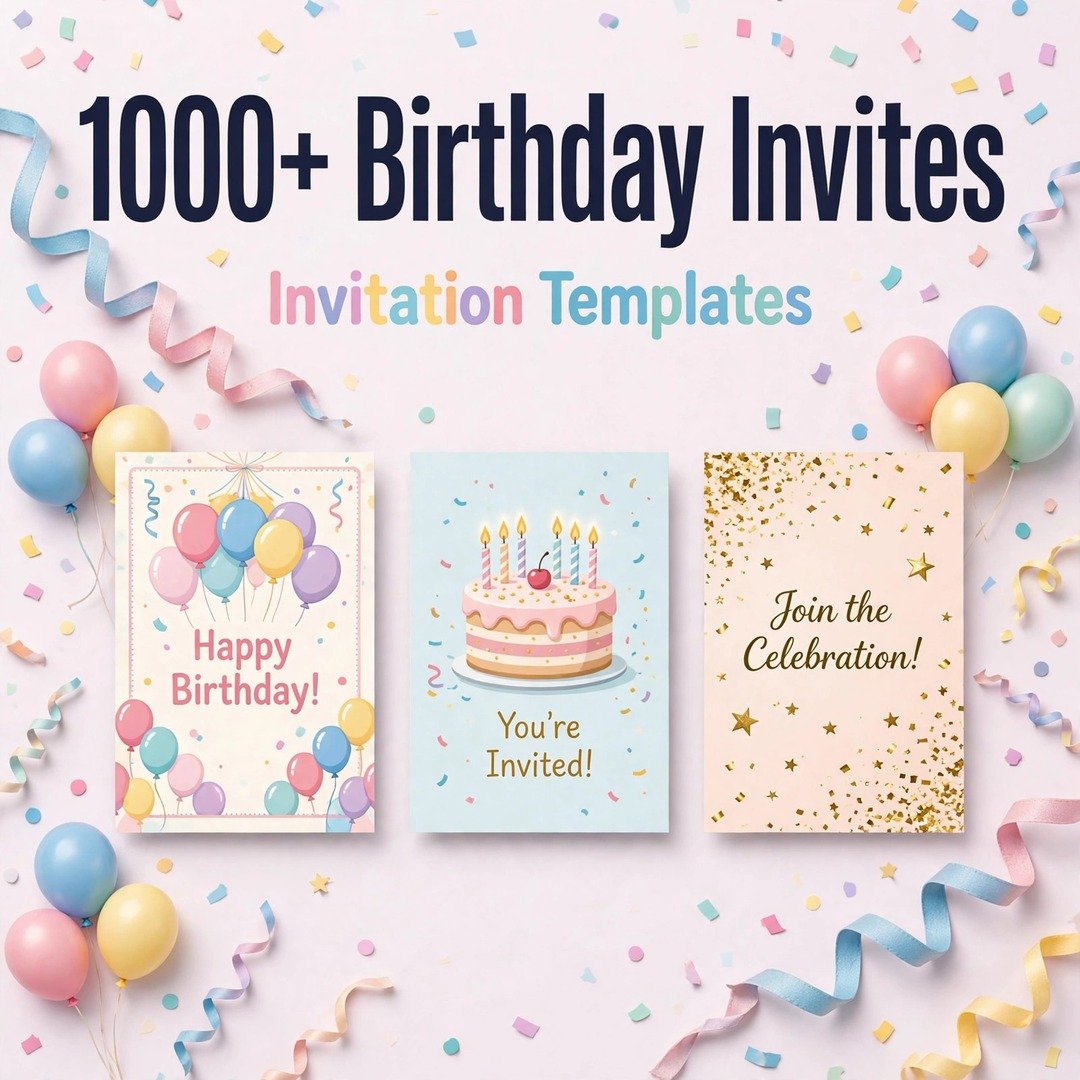
Birthday invitation templates help you send party invites that feel fun and personal. This bundle includes 1000+ birthday invitation templates for kids, teens and adults, in many fun styles and colours. You can edit each design in Canva and send it in minutes.
What Is Included in the Birthday Invitation Templates Bundle
The bundle contains 1000+ birthday invitation templates. The product page describes invites for kids, teens and adults in many fun styles and colours. Each template is edited in Canva, so you can add the guest’s name, the party details and your own photos.
How to Use Birthday Invitation Templates
Preparing an invitation from a template follows a simple order:
- Choose a style that suits the age group and theme of the party.
- Replace the sample text with the name, date, time and address.
- Add a photo or a short welcome line, if you want a personal touch.
- Check the details carefully, and send a test version to yourself first.
- Send the invitations early enough for guests to plan.
Who Should Buy This Bundle
These birthday invitation templates are made for parents, party planners and anyone hosting a celebration for friends or family. They suit children’s parties, teen gatherings and adult celebrations, because the bundle covers all three age groups.
Choosing the Right Style
A playful design suits young children, while a cleaner layout can suit teens and adults. Match the colours to the party theme, and keep the fonts easy to read on a phone. If you plan to send invitations by message, check that the image still looks clear at a smaller size.
Keeping Details Accurate
Guests rely on the invitation for the key details, so check them carefully. Confirm the date, start time, address and any RSVP instructions before sending. If the party changes, send a short update to every guest, so nobody arrives at the wrong time.
Tips for Party Invitations
Keep the invitation simple, with the most important details at the top. Use one clear font for the main information. Add a line about what to bring or wear, if that helps guests. Save your favourite layouts, so you can reuse them for future parties.
Common Mistakes to Avoid
A common mistake is leaving sample names or dates on the invitation. Another is sending the invitation too late, which makes planning harder for guests. Avoid tiny text that is hard to read on a phone, and check the spelling of every name. Finally, do not forget to confirm who is attending.
Quick Checklist Before You Send
- Replace all sample text.
- Check the date, time and address.
- Send a test version first.
- Set a reply date for RSVPs.
Frequently Asked Questions
Can I edit these invitations in Canva?
Yes. The product page says you can edit each template in Canva and send it in minutes.
Do I need design skills to use them?
No. The templates are ready to customise, so you change the text and photos rather than building a layout from scratch.
Can I use the templates for client work?
Check the licence terms that come with your download before you use the templates for client work or resale.
Planning Your Guest List
A clear guest list helps you send the right number of invitations. Count your confirmed guests before printing, and keep a note of who has replied. If you are inviting children, check whether parents would like their contact details included. Set a date for replies, so you can plan food and activities with confidence. A simple tracker keeps the party organised from the first invitation to the final thank you.
Explore More Digital Products
Browse more invitation bundles in the MN5 DIGITAL shop, or see all products from this seller on the RizStore page. For design basics and Canva tips, visit Canva’s website.








Reviews
There are no reviews yet.