
Description
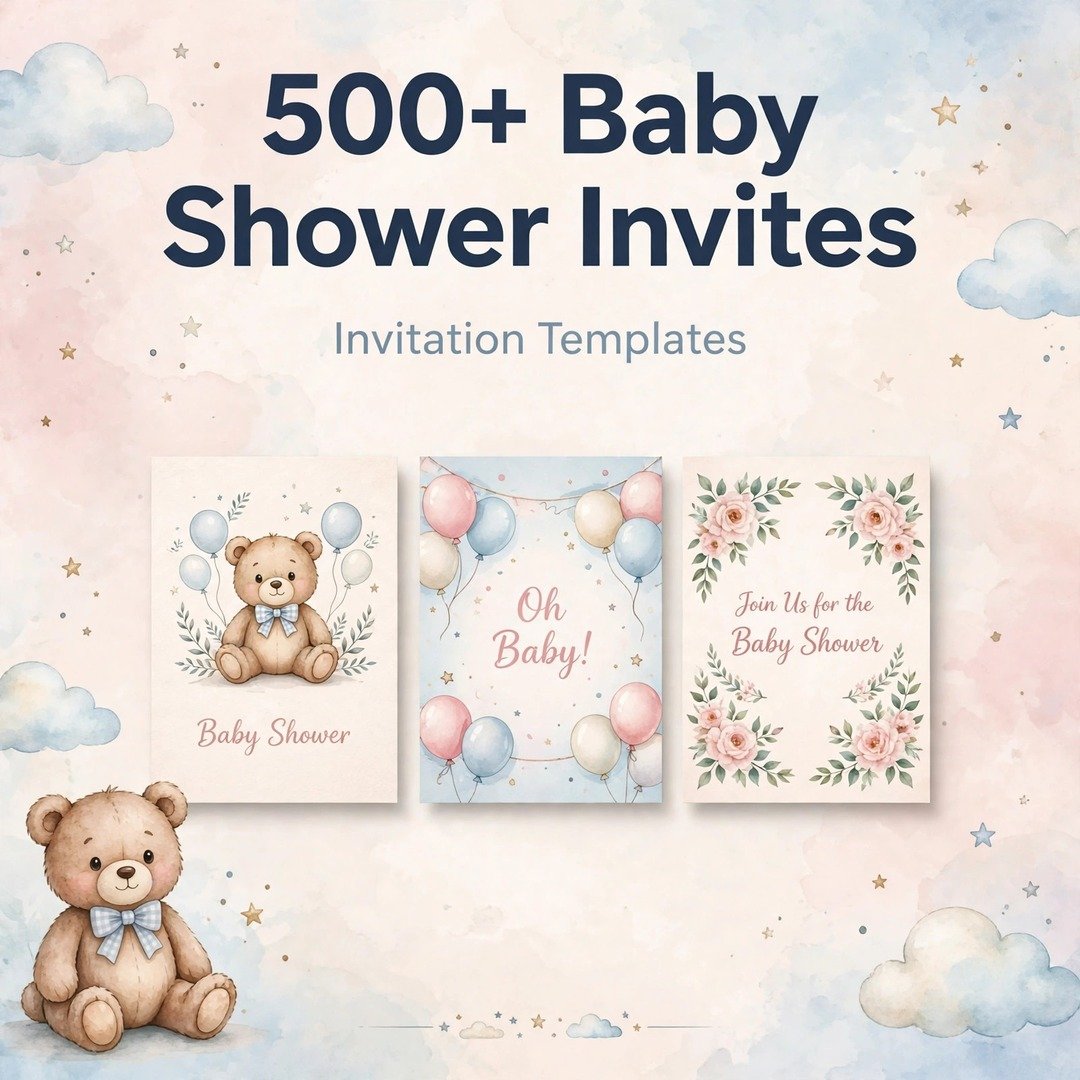
Baby shower invitation templates help you welcome the new arrival with invitations that feel warm and special. This bundle includes 500+ baby shower invitation templates with boy, girl and neutral invites in elegant and cute styles. You can edit each design in Canva and send it in minutes.
What Is Included in the Baby Shower Invitation Templates Bundle
The bundle contains 500+ baby shower invitation templates. The product page lists boy, girl and neutral shower invites in elegant and cute styles. Each template is edited in Canva, so you can add the parents’ names, the date and the shower details.
How to Use Baby Shower Invitation Templates
Preparing an invitation from a template follows a simple order:
- Choose a boy, girl or neutral design that suits the celebration.
- Replace the sample text with the names, date, time and venue.
- Add a short welcome message or a gift note, if you wish.
- Check the details, and send a test version before sharing.
- Send the invitations early, so guests have time to plan.
Who Should Buy This Bundle
These baby shower invitation templates are made for expectant parents, friends and family hosting a shower, and anyone who likes to plan a celebration with a clear, elegant design. They work well for both small gatherings and larger celebrations.
Choosing a Neutral or Themed Design
A neutral design suits a shower where the baby’s gender is not yet known, while boy or girl designs suit a themed celebration. Match the colours to the venue or decorations, so the invitation feels part of the whole event. Keep the fonts simple, so the details are easy to read on a phone.
Keeping Guests Informed
Guests often need the same details: the date, time, address and whether there is a gift list. Put these at the top of the invitation, and add an RSVP date. If anything changes, send a short update to everyone, so guests can plan with confidence.
Tips for a Warm Invitation
Keep the invitation uncluttered, with plenty of space around the main details. Use one or two colours, so the design stays calm. Add a short personal line from the host to make the invitation feel warm. Save the final file, so you can share it again if guests ask.
Common Mistakes to Avoid
A common mistake is leaving sample names or dates on the invitation. Another is sending invitations too late for guests to plan travel. Avoid tiny text that is hard to read on a phone, and check every name twice. Finally, do not forget to confirm the venue details.
Quick Checklist Before You Send
- Replace all sample text.
- Check the date, time and venue.
- Send a test version first.
- Set a reply date.
Frequently Asked Questions
Can I edit these invitations in Canva?
Yes. The product page says you can edit each template in Canva and send it in minutes.
Do I need design skills to use them?
No. The templates are ready to customise, so you change the text and details rather than building a layout from scratch.
Can I use the templates for client work?
Check the licence terms that come with your download before you use the templates for client work or resale.
Sharing the Invitation
Once the invitation is ready, think about how guests will receive it. A digital version is quick to send by message or email, while a printed card can feel more special. If you use both, keep the details identical, so every guest sees the same date, time and venue. Ask a friend to check the final version before sending, since a second pair of eyes often spots small errors.
Explore More Digital Products
Browse more invitation bundles in the MN5 DIGITAL shop, or see all products from this seller on the RizStore page. For design basics and Canva tips, visit Canva’s website.








Reviews
There are no reviews yet.