
Description
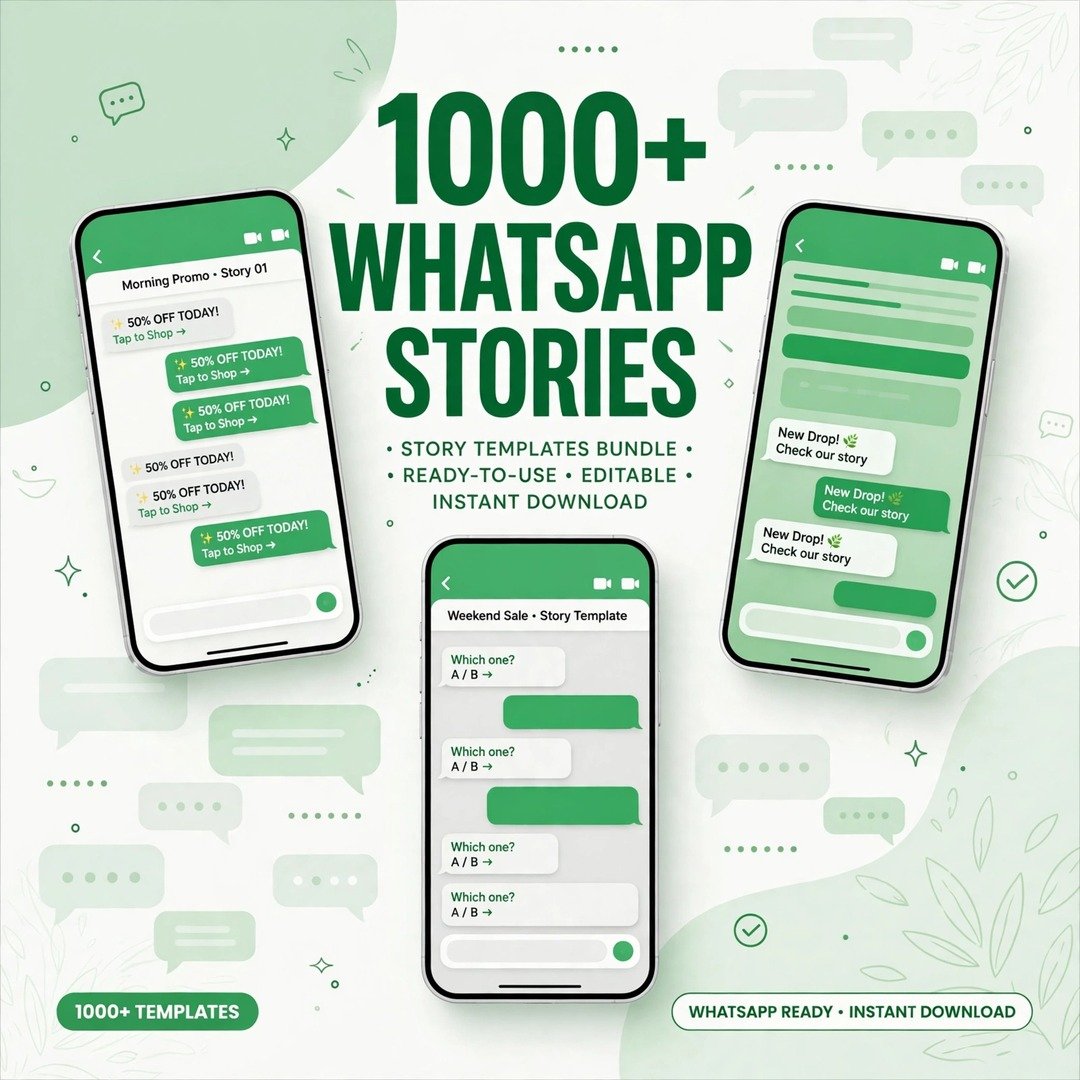
WhatsApp story templates help you share beautiful status updates with friends, customers or your community. This bundle includes 1000+ WhatsApp story templates with good morning quotes, festival wishes, sale announcements and motivational stories. You can edit each design in Canva and share it in minutes.
What Is Included in the WhatsApp Story Templates Bundle
The bundle contains 1000+ WhatsApp story templates. The product page lists good morning quotes, festival wishes, sale announcements and motivational stories. Each template is edited in Canva, so you can add your own message, name or offer before you share.
How to Use WhatsApp Story Templates
Setting a status from a template follows a simple order:
- Choose a template that suits the occasion, such as a greeting or an offer.
- Replace the sample text with your own message.
- Add your name or business details if the status is for customers.
- Check that the text is easy to read at phone size.
- Share the status, and update it when the occasion or offer changes.
Who Should Buy This Bundle
These WhatsApp story templates suit business owners, sellers and anyone who likes to send daily greetings. They are useful for shops that share offers with customers, and for people who want a simple way to mark festivals and special days.
Planning Greetings and Offers
Statuses work well when they follow a calendar. Note the festivals, sales and events you want to mark, then prepare the designs a few days before. Batch your designs in one session, so the colours and fonts match. Remove old offers as soon as they end, so contacts see current information.
Keeping Messages Personal
A template gives you the design, but a short personal line makes the status feel genuine. Add a name, a short thank you or a line that suits your audience. If you are a business, a tailored message often feels more genuine than the same generic greeting sent to every contact.
Tips for Statuses That Read Well
Use clear, large text so the message is readable on a small screen. Keep one main message per status. Save your brand colours in Canva, so each design looks consistent. Check the spelling of names and offers before you share.
Common Mistakes to Avoid
A common mistake is sharing a status with sample text still on it. Another is leaving an expired sale on the status. Avoid crowded layouts, because small text is hard to read. Finally, check dates and prices carefully before you share.
Quick Checklist Before You Share
- Replace all sample text.
- Check dates, prices and names.
- Preview the status at phone size.
- Remove any offer that has ended.
Frequently Asked Questions
Can I edit these templates in Canva?
Yes. The product page says you can edit each template in Canva and share it in minutes.
Are the templates only for businesses?
No. The product page describes them for businesses and for anyone who wants a beautiful WhatsApp status, so personal use is covered too.
Can I use the templates for client work?
Check the licence terms that come with your download before you use the templates for client work or resale.
Sharing With Groups Responsibly
If you share statuses with large groups or with contacts who have not asked for offers, keep the frequency reasonable and respect their preferences. Avoid sending too many promotional statuses in one day, because a thoughtful schedule keeps your audience interested. Keep personal and business statuses separate where you can, and check the rules of the platform you use. This helps your messages feel welcome rather than intrusive.
Explore More Digital Products
Browse more social media bundles in the MN5 DIGITAL shop, or see all products from this seller on the RizStore page. For design basics and Canva tips, visit Canva’s website.









Reviews
There are no reviews yet.