
Description
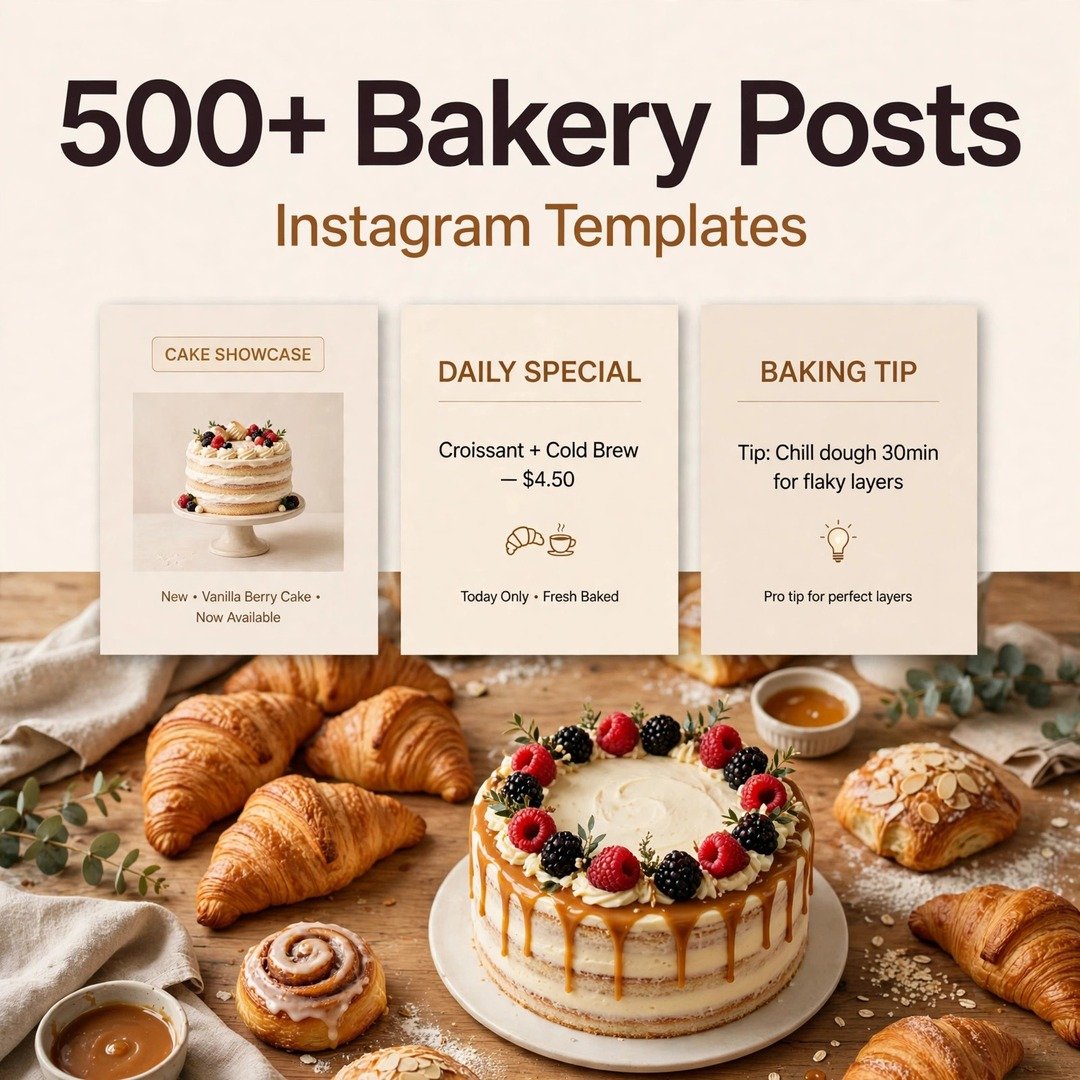
Bakery Instagram post templates help bakers and bakeries showcase cakes, daily specials and seasonal treats in delicious designs. This bundle includes 500+ bakery Instagram post templates with cake showcases, daily specials, baking tips and holiday treats. You can edit each design in Canva and post it in minutes.
What Is Included in the Bakery Instagram Post Templates Bundle
The bundle contains 500+ bakery Instagram post templates. The product page lists cake showcases, daily specials, baking tips and holiday treats in delicious designs. Each template is edited in Canva, so you can add your bakes, prices and branding.
How to Use Bakery Instagram Post Templates
Creating a bakery post from a template follows a simple order:
- Choose a template for your message, such as a cake showcase or a daily special.
- Replace the sample text with the item name, price and collection details.
- Add a clear photo of the bake, with the item in focus.
- Check the allergen and ingredient notes before posting.
- Post early in the day, when customers plan their visits.
Who Should Buy This Bundle
These bakery Instagram post templates suit bakeries, home bakers, cake designers and cafes with a bakery counter. They help any baker who wants a sweet, consistent feed that brings customers in.
Showing Cakes and Bakes
Cake and bake photos work best when the item is in focus and the background is simple. Use natural light, and show the texture of the crumb or the detail of the icing. Pair the photo with a short line about the flavour or the occasion.
Daily Specials and Pre-Orders
Daily specials need clear times and quantities, since bakes sell out quickly. Update the post when items are gone. Pre-order posts should include the closing date and collection details, so customers know exactly what to do.
Seasonal and Holiday Treats
Holiday treats sell best when customers hear about them early. Plan a series for each season or festival, and prepare the designs in advance. Remove seasonal posts once the period has ended, so the feed stays current.
Tips for Sweet, Clear Posts
Use one hero bake per post, and keep the text large and simple. Save your brand colours in Canva, so every post matches. Check the spelling of product names before publishing. Review which posts get the most saves and replies, and do more of those.
Common Mistakes to Avoid
A common mistake is leaving sample prices or dates on the design. Another is missing allergen or ingredient notes. Avoid cluttered layouts, and do not promote a bake that is no longer on sale. Finally, check that pre-order deadlines are correct before you post.
Quick Checklist Before You Post
- Replace all sample text, prices and dates.
- Confirm allergen and ingredient notes.
- Check pre-order and collection details.
- Preview the post on a phone.
Frequently Asked Questions
Can I edit these bakery templates in Canva?
Yes. The product page says you can edit each template in Canva and post it in minutes.
Do I need design skills to use them?
No. The templates are ready to customise, so you change the text and photos rather than building a layout from scratch.
Can I use the templates for client work?
Check the licence terms that come with your download before you use the templates for client work or resale.
Planning Orders and Stock Updates
Customers appreciate knowing what is available before they visit. Plan your posts around your baking schedule, so the specials you advertise are ready when customers arrive. Keep a simple list of items that sell out early, and update your posts as stock changes. Clear, honest updates reduce disappointed visits and help regulars plan their order.
Explore More Digital Products
Browse more food and bakery bundles in the MN5 DIGITAL shop, or see all products from this seller on the RizStore page. For design basics and Canva tips, visit Canva’s website.









Reviews
There are no reviews yet.