
Description
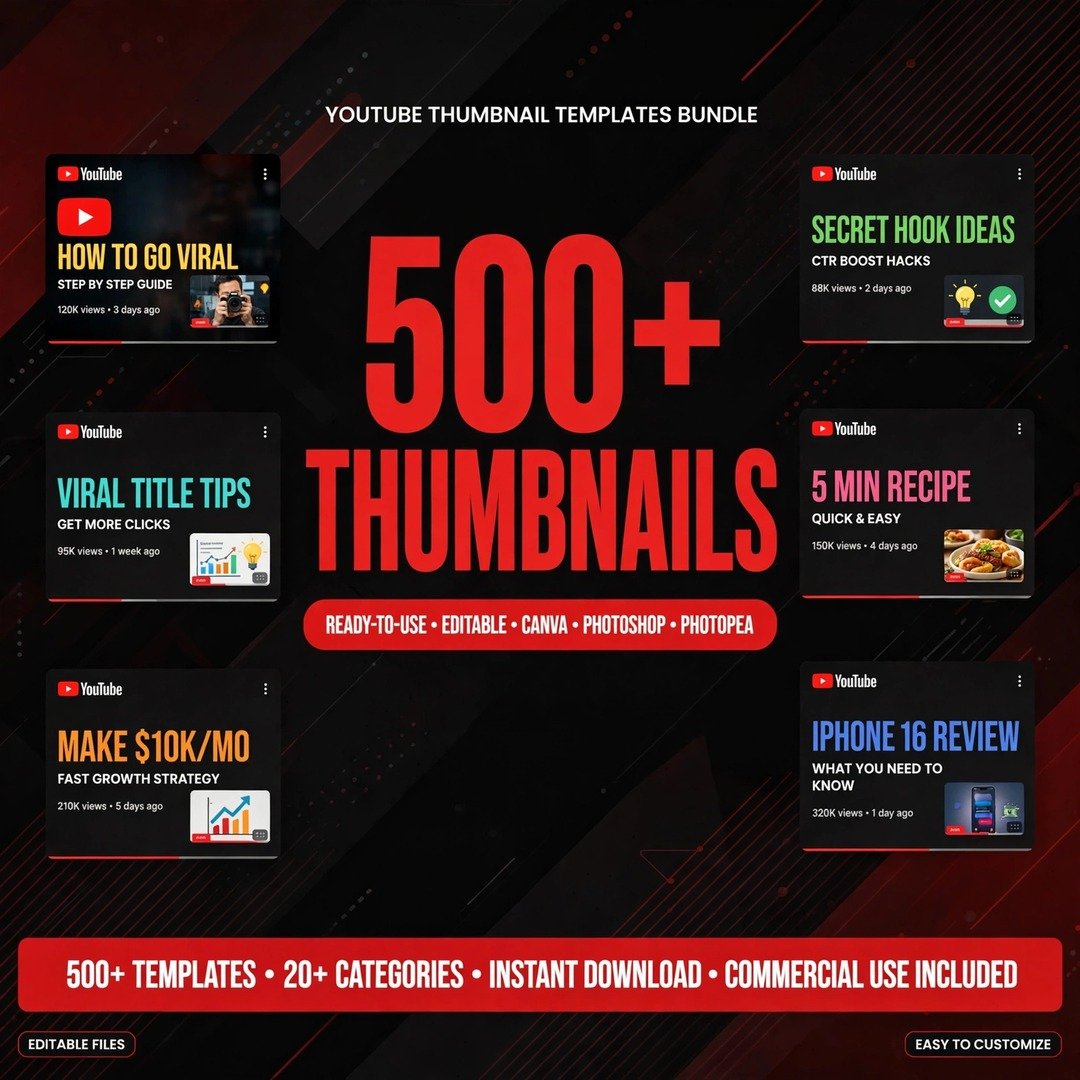
YouTube thumbnail templates help your videos get more clicks. This bundle includes 500+ thumbnail templates, fully editable in Canva, for gaming, vlog, tutorial, business and viral-style videos.
What Is Included in the YouTube Thumbnail Templates Bundle
The bundle contains 500+ YouTube thumbnail templates. The product page lists bold, gaming, vlog, tutorial, business and viral-style designs for every niche. Each thumbnail is fully editable in Canva, so you can change the text and colours and upload the result.
How to Use YouTube Thumbnail Templates
Making a thumbnail with these templates is quick:
- Choose a style that matches the type of video you are making.
- Replace the sample text with a short title of three or four words.
- Add a face or a screenshot if it suits your video.
- Check the contrast so the text is readable at small sizes.
- Upload the thumbnail to your video.
Who Should Buy This Bundle
These templates are made for YouTubers, creators and businesses who want more clicks on every video. They suit channels that publish regularly and want thumbnails that look consistent across the whole channel.
Building a Recognisable Channel Look
Use the same fonts, colours and layout for a series of videos. Viewers who recognise your thumbnails are more likely to click on the next one. You can choose one style for tutorials and another for vlogs while keeping a shared logo or colour.
Tips for Clickable Thumbnails
Keep the text short and large. Use high contrast between the text and the background, and make sure the thumbnail matches what the video delivers. Compare click rates in your YouTube analytics to see which styles work best for your audience.
Common Mistakes to Avoid
A common mistake is adding too much text, which is hard to read on a phone. Another is making a thumbnail that does not match the video, because viewers may leave quickly. Avoid tiny details that disappear at small sizes. Finally, do not change your whole style every week, since a consistent look builds recognition.
Quick Checklist Before You Upload
- Check that the title is readable on a phone.
- Confirm the thumbnail matches the video content.
- Keep the colours consistent with your channel.
- Save the final image in the size YouTube recommends.
Frequently Asked Questions
Do I need Canva to edit these thumbnails?
Yes. The templates are editable in Canva, so you need an account.
Can I use these thumbnails for client channels?
Check the licence terms that come with your download before you use the thumbnails for client work or resale.
Will a thumbnail guarantee more views?
No thumbnail can guarantee results. A clear thumbnail helps a video get clicks, but views also depend on the title, the content and how viewers respond.
Matching Thumbnails to Titles
A thumbnail and title work as a pair. The thumbnail should show the subject quickly, while the title adds the detail. Avoid repeating the same words in both, because that wastes space. Choose a thumbnail that makes a clear promise, and make sure the video delivers on it. Viewers who feel misled are less likely to watch the next video, which affects how the channel performs over time.
Building a Template Library
Keep your favourite layouts in one folder, labelled by video type, such as tutorial, vlog or review. When you start a new video, duplicate the closest YouTube thumbnail template and change the text, images and colours. This keeps production quick, while your channel still looks consistent across uploads. Review your library every few months and remove layouts that no longer match your audience.
Explore More Digital Products
Browse more video and creator bundles in the MN5 DIGITAL shop, or see all products from this seller on the RizStore page. To learn more about the platform, visit YouTube.







Reviews
There are no reviews yet.