
Description
Wedding guest book templates help you create a keepsake that guests enjoy signing. This bundle includes 500+ wedding guest book templates in elegant, modern and floral designs, so you can choose a style that suits your wedding.
What Is Included in the Wedding Guest Book Templates Bundle
The bundle contains 500+ wedding guest book templates. The product page describes elegant, modern and floral guest book designs for every wedding style. Each template is ready to customise, so you can add your names, the wedding date and a short welcome message, then print the pages in minutes.

How to Use Wedding Guest Book Templates
Creating a guest book page from a template takes a few simple steps:
- Choose a design that matches your wedding colours and style.
- Add your names, the wedding date and a short welcome message.
- Leave enough space for guests to write their wishes.
- Print a test page and check the size and paper.
- Print the full set and place a pen beside the book.
Who Should Buy This Bundle
These wedding guest book templates are made for couples who want a memorable keepsake, and for wedding planners who create guest books for their clients. They suit both formal and relaxed weddings, because the designs range from elegant to floral.
Planning Space for Guest Messages
A guest book works best when guests have enough room to write. Use a layout with wide writing areas, and avoid decorative borders that cut into the space. If you expect many guests, print extra pages so the book does not run out. Consider adding a short line that invites guests to share a wish, a memory or a piece of advice.
Keeping the Book Safe After the Wedding
Once the wedding is over, store the guest book flat and away from direct sunlight, so the pages do not fade. Keep a digital copy of each page as a backup. A protective sleeve or box can help the book last for years, especially if it holds many handwritten messages.
Tips for a Guest Book Guests Love Signing
Keep the text large enough to read easily, and use one clear script for names. Match the paper colour to your wedding palette. Test a page with a pen before printing the full set, since some inks can smear on glossy paper. Place the book where guests can reach it easily during the reception.
Common Mistakes to Avoid
A common mistake is leaving sample names or dates on the page. Another is printing on paper that is too thin, which can tear when guests write on it. Avoid tiny fonts for the welcome message, and check the wedding date twice before printing.
Quick Checklist Before You Print
- Replace all sample names, dates and messages.
- Confirm the wedding date and the spelling of every name.
- Test print one page on the paper you plan to use.
- Check that there is enough space for guest messages.
Frequently Asked Questions
Do I need design skills to use these guest book templates?
No. The templates are ready to customise, so you change the text and details rather than building the layout yourself.
Are the templates only for elegant weddings?
No. The product page describes elegant, modern and floral designs, so you can choose a style that fits your wedding.
Can I use the templates for client weddings?
Check the licence terms that come with your download before you use the templates for client work or resale.
Explore More Digital Products
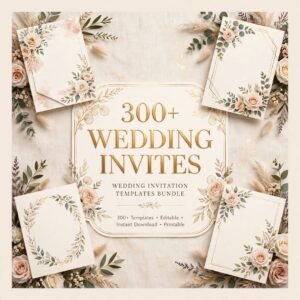
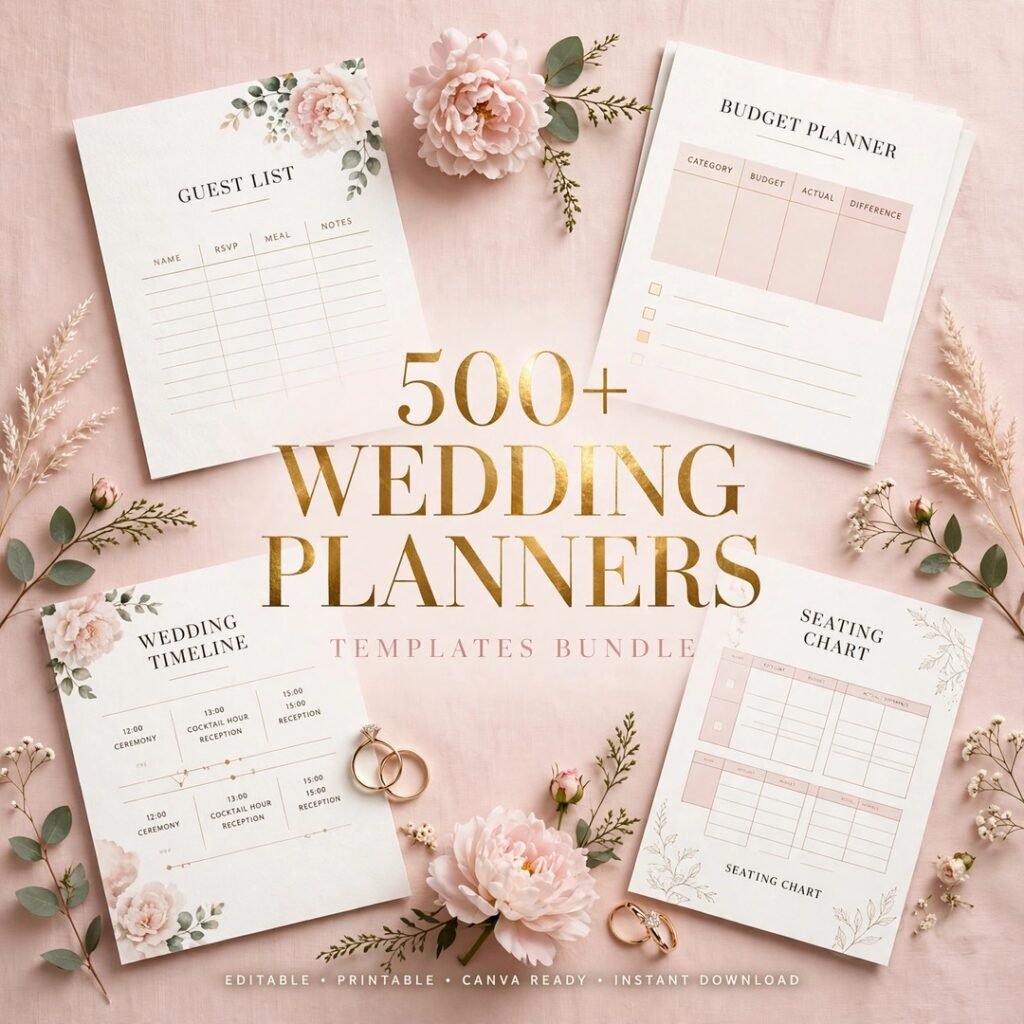
Browse more wedding bundles in the MN5 DIGITAL shop, or see all products from this seller on the RizStore page. For wedding stationery ideas and design basics, visit Canva’s website.



Reviews
There are no reviews yet.