
Description
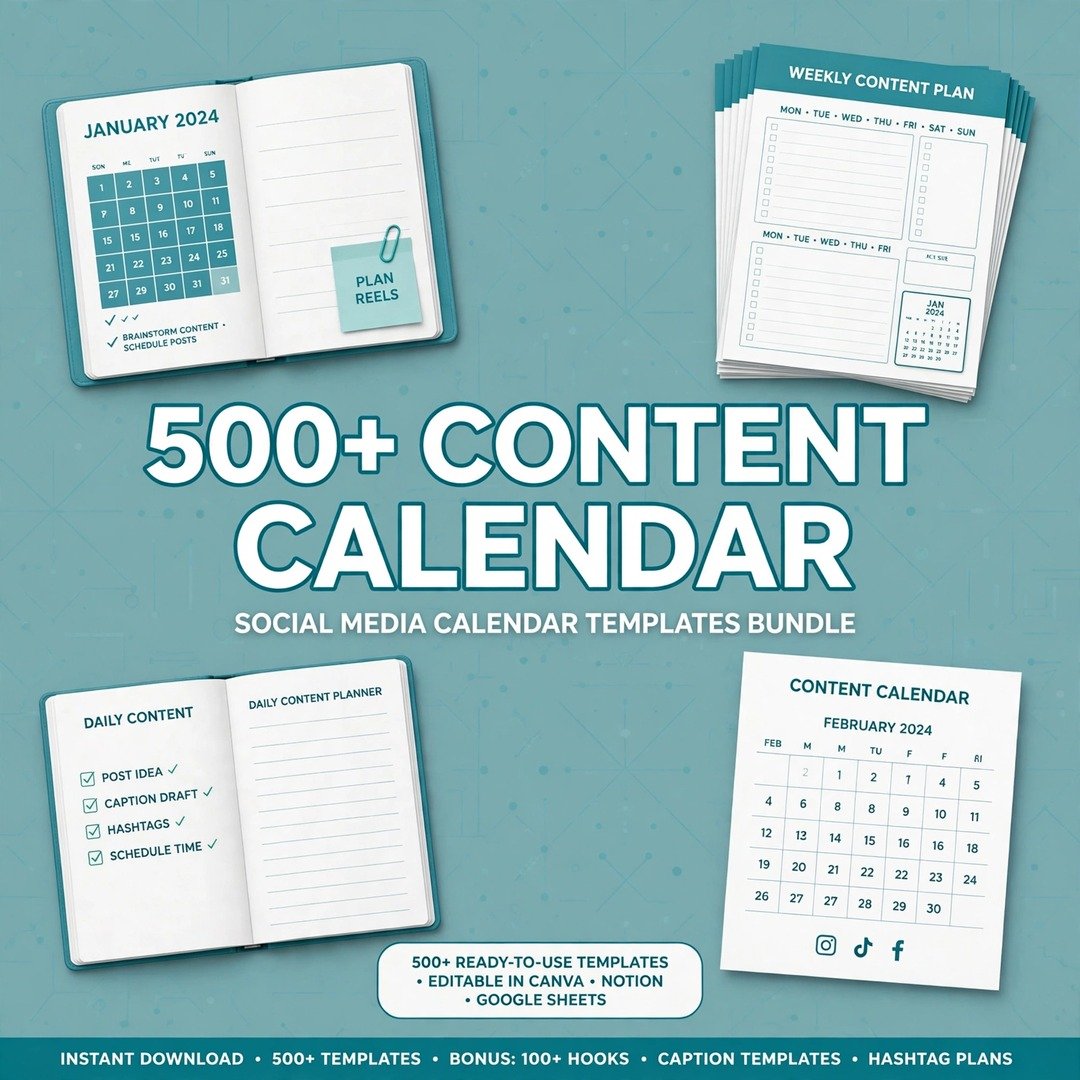
Social media calendar templates help you plan your content weeks and months ahead. This bundle includes 500+ social media calendar templates, including monthly calendars, content planners, posting schedules and idea banks for Instagram, Facebook, TikTok and more.
What Is Included in the Social Media Calendar Templates Bundle
The bundle contains 500+ social media calendar templates. The product page lists monthly calendars, content planners, posting schedules and idea banks, for Instagram, Facebook, TikTok and other platforms. You fill in your ideas and dates, and the month of content takes shape on one page.
How to Use Social Media Calendar Templates
Planning a month with a template follows a simple routine:
- Choose a calendar layout that suits how often you post.
- Add your key dates, such as launches, holidays and sales.
- Fill in the post ideas, formats and captions for each day.
- Assign a posting time to each entry, based on when your audience is active.
- Review the month once a week and move any posts that need to change.
Who Should Buy This Bundle
These calendar templates are made for creators, marketers and businesses that want consistent posting. They suit anyone who plans content for several platforms and wants one place to see the whole month. Teams that share content work can also use a template to agree on posts before they go live.
Building a Content Plan That Lasts
A calendar is most useful when it reflects a clear goal. Decide what each platform is for, such as sales, education or community, and give each one a share of the plan. Keep a bank of evergreen ideas that you can drop into gaps. When a post does well, note the format in the idea bank, so you can plan more like it next month.
Tips for a Balanced Calendar
Mix formats across the week, so you do not post the same type of content every day. Plan a few flexible slots for timely topics that you can fill at short notice. Leave space for replies and comments, because engagement takes time. Keep the calendar in a format you can update quickly from your phone or computer.
Common Mistakes to Avoid
A common mistake is filling the calendar with promotions only. Another is planning too many posts and then missing most of them. Avoid copying the same plan every month without checking what worked. Finally, do not forget to check the dates against local holidays and events, because a post can feel out of place at the wrong time.
Quick Checklist Before You Publish the Plan
- Check that each platform has a clear purpose in the plan.
- Confirm the dates for launches, holidays and sales.
- Make sure each post has a format, a caption idea and a time.
- Leave a few open slots for timely posts.
Frequently Asked Questions
Do I need planning experience to use these templates?
No. The templates give you the structure. You only add your own ideas, dates and posting times.
Which platforms are the templates for?
The product page mentions Instagram, Facebook, TikTok and more, so you can adapt the calendar for other platforms as well.
Can I use the calendars for client work?
Check the licence terms that come with your download before you use the templates for client work or resale.
Reviewing Your Calendar Each Month
At the end of each month, compare the planned posts with what you actually published. Note which formats and posting times brought the most replies, saves or visits, then move those ideas into the next month’s plan. Remove ideas that did not work, and keep the ones that worked in your idea bank. A short monthly review keeps the calendar useful rather than turning it into a list you ignore.
Explore More Digital Products
Browse more social media bundles in the MN5 DIGITAL shop, or see all products from this seller on the RizStore page. For background on planning content across platforms, visit HubSpot’s website.










Reviews
There are no reviews yet.