
Description
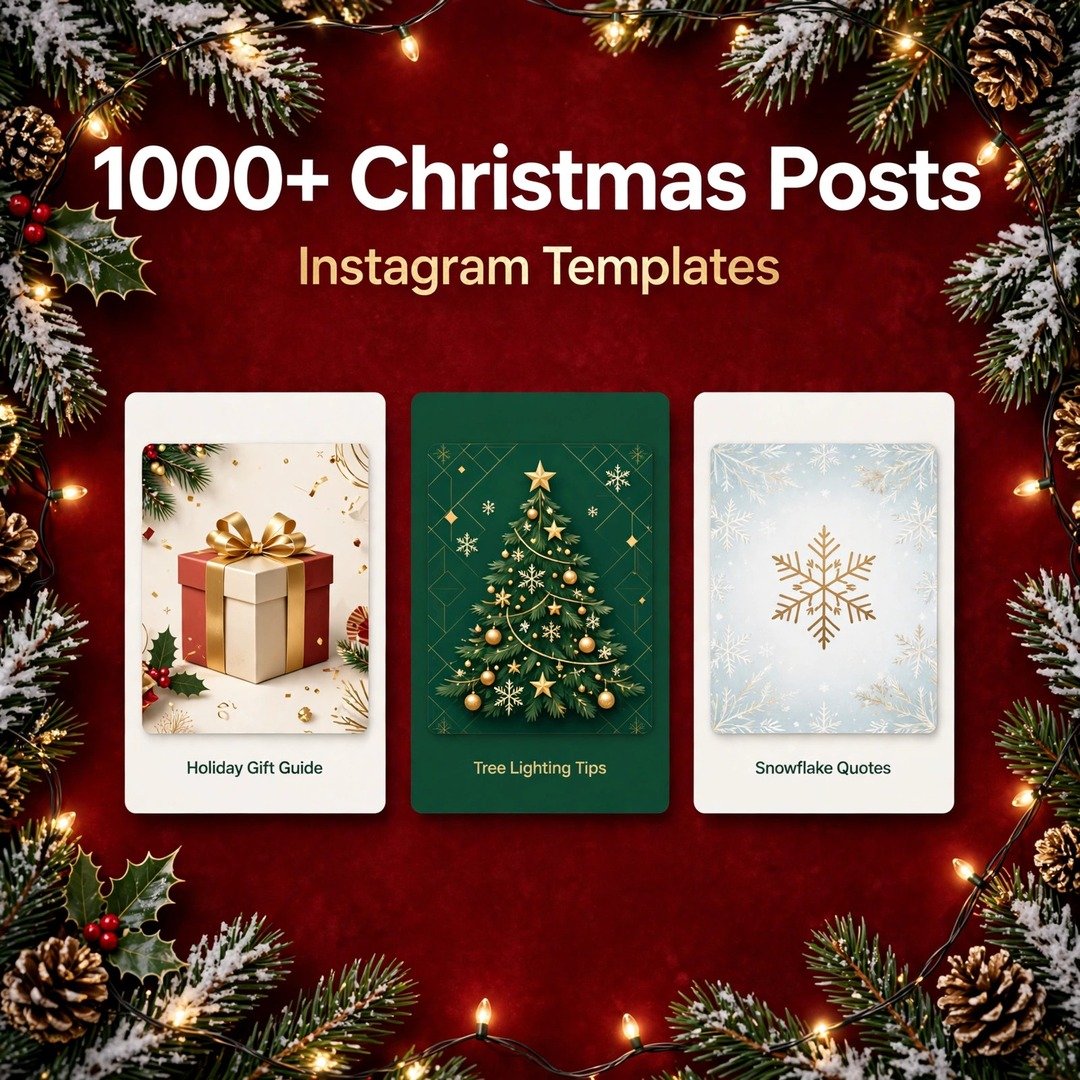
Christmas Instagram post templates help you celebrate the season with festive designs for your feed. This bundle includes 1000+ Christmas Instagram post templates with festive sales, countdowns, quotes and holiday promo designs in many styles. You can edit each design in Canva and post it in minutes.
What Is Included in the Christmas Instagram Post Templates Bundle
The bundle contains 1000+ Christmas Instagram post templates. The product page lists festive sales, countdowns, quotes and holiday promo designs in many styles. Each template is edited in Canva, so you can change the text, images and colours before you post.
How to Use Christmas Instagram Post Templates
Creating a holiday post from a template follows a simple order:
- Choose a template for your message, such as a holiday sale, a countdown or a seasonal quote.
- Replace the sample text with your offer, date or greeting.
- Add your logo or a product photo, and keep the design balanced.
- Check the post on a phone and on a computer.
- Schedule the post for a time when your followers are most active.
Who Should Buy This Bundle
These Christmas post templates suit shops, creators and businesses that want to mark the season on Instagram. They are also useful for anyone who wants festive posts for a personal account, because the bundle covers quotes and greetings as well as sales.
Planning a Holiday Calendar
Holiday posts work best when they follow a plan. Map out the key dates, such as the start of a sale, the last day for delivery and the holiday itself. Prepare the designs a few weeks ahead, so you are not rushing close to the date. Update the calendar as dates change.
Keeping Festive Posts Clear
Seasonal designs can look busy, so keep the layout simple. Use one or two festive colours, and let the main message stand out. Check that any countdown or date is correct before posting. A clear offer with a short line of text is usually easier to read than a crowded design.
Tips for a Festive Feed
Use one visual anchor per post, such as a product photo or a single festive icon. Keep text large enough to read on a phone. Save your brand colours in Canva, so holiday posts match your everyday feed. Review your posts after the season and note which ones got the most engagement.
Common Mistakes to Avoid
A common mistake is leaving sample dates or prices in the design. Another is posting a countdown that is out of date. Avoid overcrowding the layout, and check spelling in greetings. Finally, remove old holiday posts once the season is over, so the feed stays current.
Quick Checklist Before You Post
- Replace all sample text, dates and prices.
- Check that the countdown or date is correct.
- Preview the post on a phone.
- Schedule the post for a time when followers are active.
Frequently Asked Questions
Can I edit these Christmas templates in Canva?
Yes. The product page says you can edit each template in Canva and post it in minutes.
Do I need design skills to use them?
No. The templates are ready to customise, so you change the text and images rather than building a layout from scratch.
Can I use the templates for client work?
Check the licence terms that come with your download before you use the templates for client work or resale.
Adding a Personal Touch
Holiday posts feel more genuine when they include a personal line. Add a short thank you to your customers, a note about your team or a small story about what the season means to you. Keep the personal line brief, so the design stays clean and the festive message remains easy to read. Use the same tone in every post, so followers recognise your voice across the season.
Explore More Digital Products
Browse more social media bundles in the MN5 DIGITAL shop, or see all products from this seller on the RizStore page. For design basics and Canva tips, visit Canva’s website.







Reviews
There are no reviews yet.