
Description
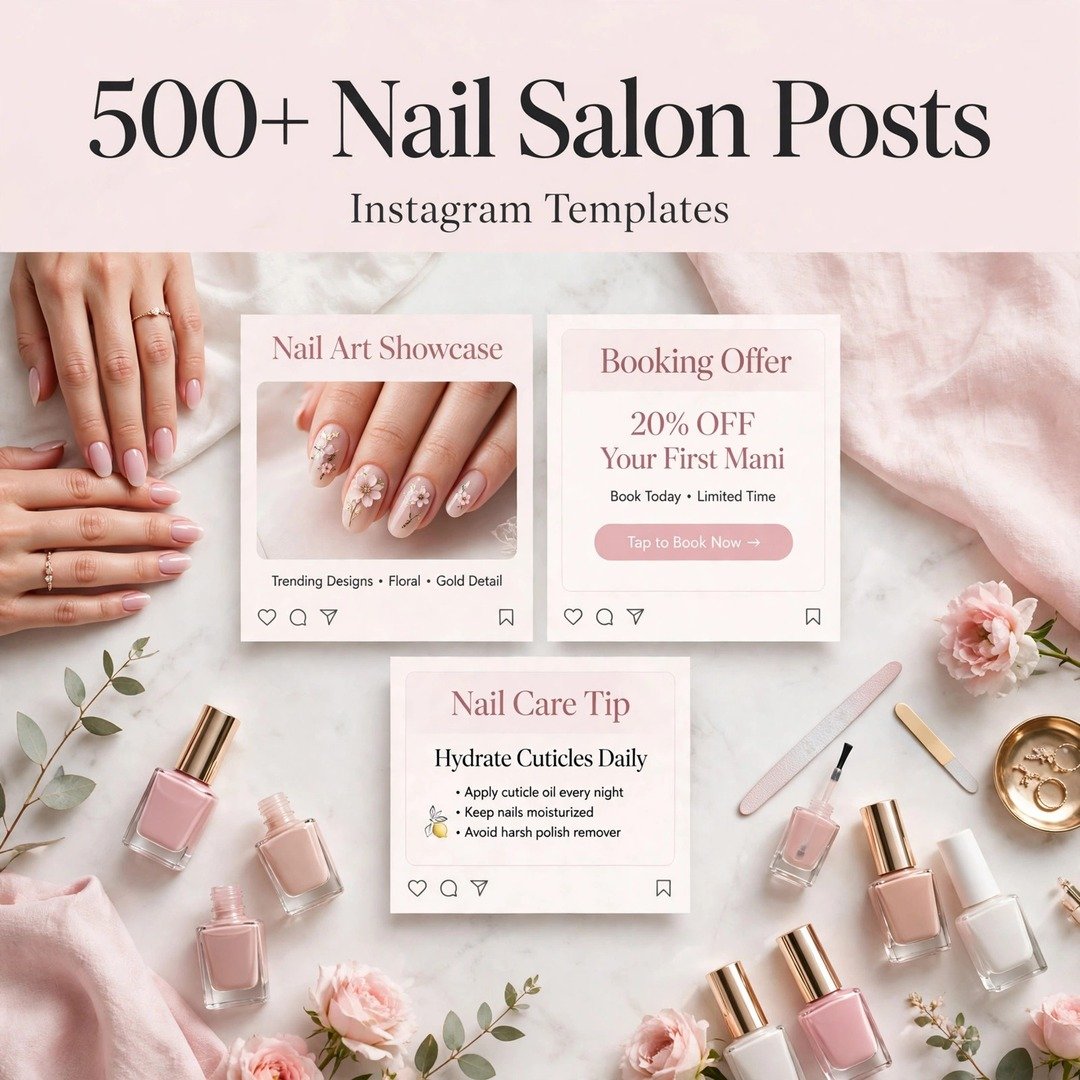
Nail salon Instagram post templates help technicians and salons showcase nail art, booking offers and care tips in chic designs. This bundle includes 500+ nail salon Instagram post templates with nail art showcases, booking offers, care tips and salon specials. You can edit each design in Canva and post it in minutes.
What Is Included in the Nail Salon Instagram Post Templates Bundle
The bundle contains 500+ nail salon Instagram post templates. The product page lists nail art showcases, booking offers, care tips and salon specials in chic designs. Each template is edited in Canva, so you can add your designs, services and contact details.
How to Use Nail Salon Instagram Post Templates
Creating a nail post from a template follows a simple order:
- Choose a template for your message, such as a nail art showcase or a care tip.
- Replace the sample text with the style name, service or advice.
- Add a clear photo of the finished nails, in good light.
- Check the prices, dates and booking details.
- Post at a regular time, and reply to booking questions promptly.
Who Should Buy This Bundle
These nail salon Instagram post templates suit nail salons, nail technicians, mobile nail artists and beauty studios. They help any technician who wants a stylish feed that shows designs and services clearly.
Showcasing Nail Art
Nail art photos look best in good natural light against a plain background. Show the finished design clearly, and name the style in the caption. A short series of designs, such as seasonal sets, keeps followers coming back.
Care Tips and Aftercare
Aftercare advice helps clients keep their nails healthy between visits. Share simple tips, such as moisturising cuticles and avoiding harsh chemicals. Suggest that clients speak to their technician about any concerns or reactions.
Keeping Your Booking Calendar Full
A clear booking offer makes it easy for clients to act. Include the services, the price range and how to book. Remove the offer once slots are full, and mix offers with inspiration, so the feed never feels purely promotional.
Tips for Polished Nail Posts
Use one nail design as the focal point, and keep the layout clean. Choose a palette that suits your style, and use it across the feed. Save your favourite layouts in Canva, so you can publish quickly. Check each post on a phone, where most clients will see it.
Common Mistakes to Avoid
A common mistake is leaving sample prices or names on the design. Another is showing a design you no longer offer. Avoid busy backgrounds, and check that every service name is spelled correctly. Finally, do not post the same offer repeatedly without updating the details.
Quick Checklist Before You Post
- Replace all sample text, prices and names.
- Confirm each booking offer is open.
- Check that the photo shows a design you offer.
- Preview the post on a phone.
Frequently Asked Questions
Can I edit these nail salon templates in Canva?
Yes. The product page says you can edit each template in Canva and post it in minutes.
Do I need design skills to use them?
No. The templates are ready to customise, so you change the text and images rather than building a layout from scratch.
Can I use the templates for client work?
Check the licence terms that come with your download before you use the templates for client work or resale.
Keeping Your Nail Designs Consistent
Clients trust a technician whose work looks consistent across the feed. Use the same lighting, backdrop and crop for nail photos wherever possible. Show finished designs from the same angle, and label the style clearly. A consistent look makes your portfolio easier to scan, and it helps clients picture how a design would look on their own nails.
Explore More Digital Products
Browse more social media bundles in the MN5 DIGITAL shop, or see all products from this seller on the RizStore page. For design basics and Canva tips, visit Canva’s website.








Reviews
There are no reviews yet.